Never stop recording
One twenty-minute file or thirty short clips — it doesn't matter. The AI finds the start and end of each take by the pauses between lines.
Keep the camera rolling. Dubl finds take boundaries by the pauses, groups takes by line and sets aside anything that shouldn't be in the video.
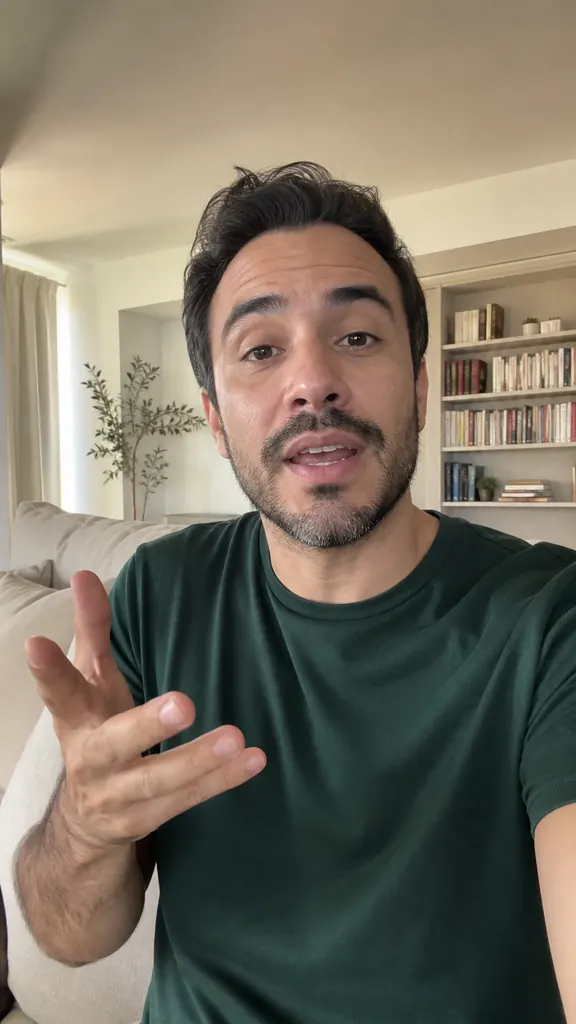
One twenty-minute file or thirty short clips — it doesn't matter. The AI finds the start and end of each take by the pauses between lines.
Stage directions read aloud, off-camera remarks, noise and slips go to “Not in video”. Bring anything back in one tap.
Takes of the same line sit together, so you see how many times you said it and which version works.
Up to 30 files from your gallery. Put them in the order you shot them.
It transcribes the recording, finds take boundaries and groups them by line.
Check your best takes — the AI orders the lines by meaning, and Dubl handles the rest.
 How to edit a reel on your phone
The steps behind editing a reel on your phone, where the time actually goes, and how to turn your takes into a talking video in a few minutes.
3 min readHow to film a reel by yourselfHow to film a reel alone on your phone: where to put the light and the phone, how to get clean sound, frame the shot and record takes with no one helping.
4 min read How many takes to shoot
How many takes to shoot per line, why your first take is rarely the best, and how to pick the winner fast: complete line, energy, eye contact, no slips.
3 min readUp to 60 minutes of footage per video, and up to 30 files at once.
Open “Not in video”: everything set aside is there with a reason — “slip”, “said off camera”, “not speech”. One tap brings it back.
No, your video stays on your phone. Only the sound is needed for transcription.
Get Dubl, shoot a couple of takes and see what comes out.
 2 bedrooms by the park
 3 videos from one shoot
 Episode highlights