The speaker rambles and repeats
The AI finds the takes of each line and suggests the best — no need to scrub the whole recording.
The slowest part of short video isn't shooting — it's editing. Hand cutting, captions and hooks to Dubl, and keep what matters: meaning and your pick of takes.
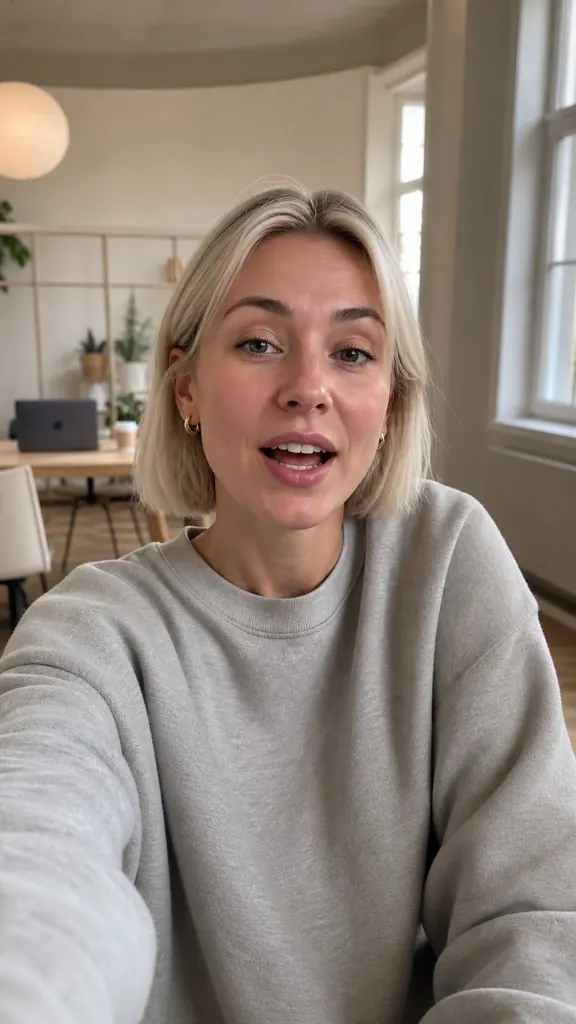
Tap an idea to see how it looks in a video
The AI finds the takes of each line and suggests the best — no need to scrub the whole recording.
One long shoot becomes several videos: hide extra lines, and the AI puts the rest in order by meaning.
Captions, hooks and stickers go on in your chosen style, so videos look consistent.
Repeat a line as many times as you like — many files are fine
It transcribes each take and flags the best one
And the AI puts them in order by meaning
Captions, stickers and even sound are already in place
Yes: create several projects from the same videos and keep different lines in each.
Yes, add videos from your gallery — up to 30 files and up to 60 minutes per video.
Pick a caption style, font and colors, including brand colors with the eyedropper.
Get Dubl, shoot a couple of takes and see what comes out.
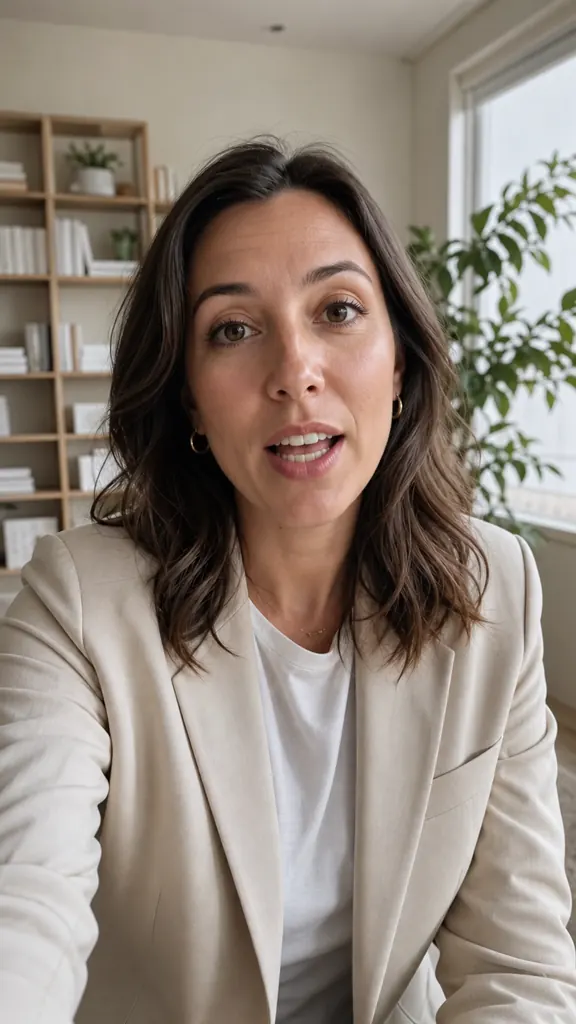 The #1 contract mistake
 A rule in 30 seconds
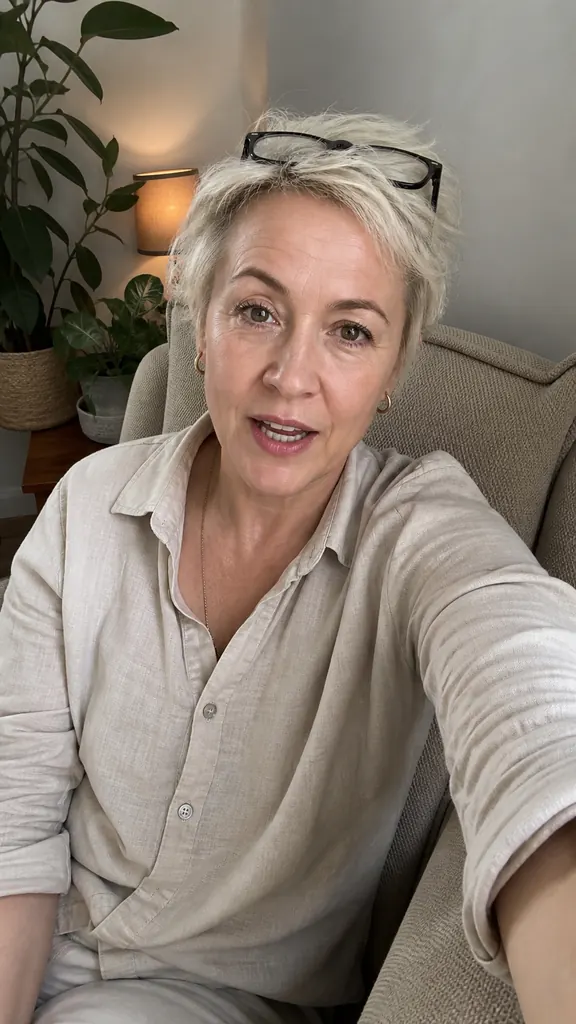 Why rest makes you tired
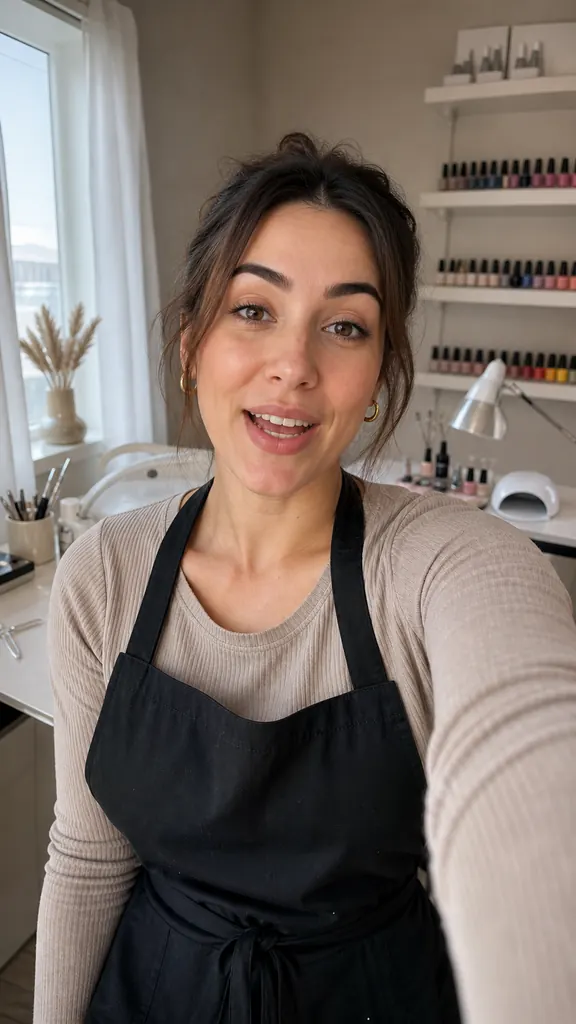 How long gel lasts
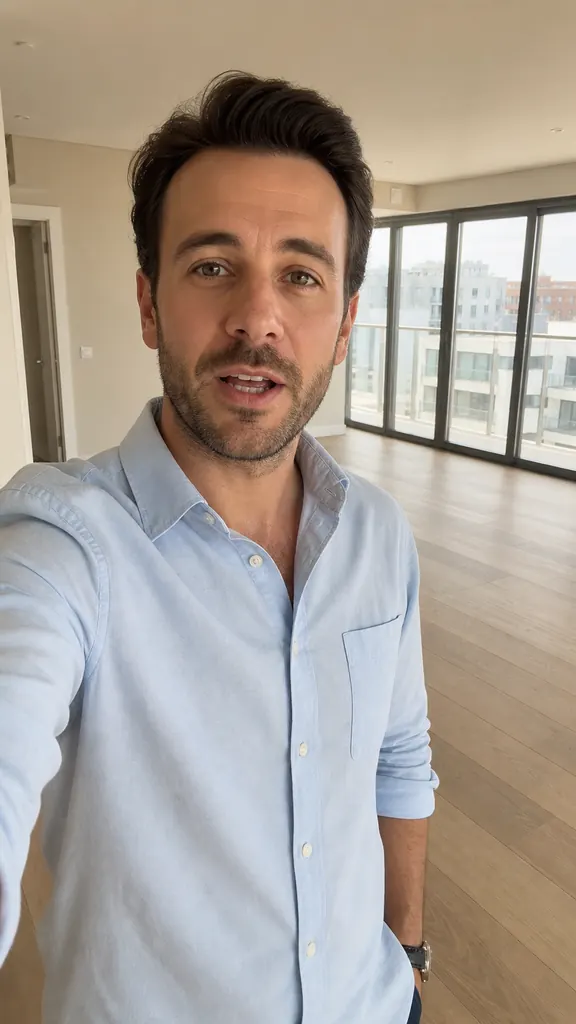 2 bedrooms by the park
 New this week
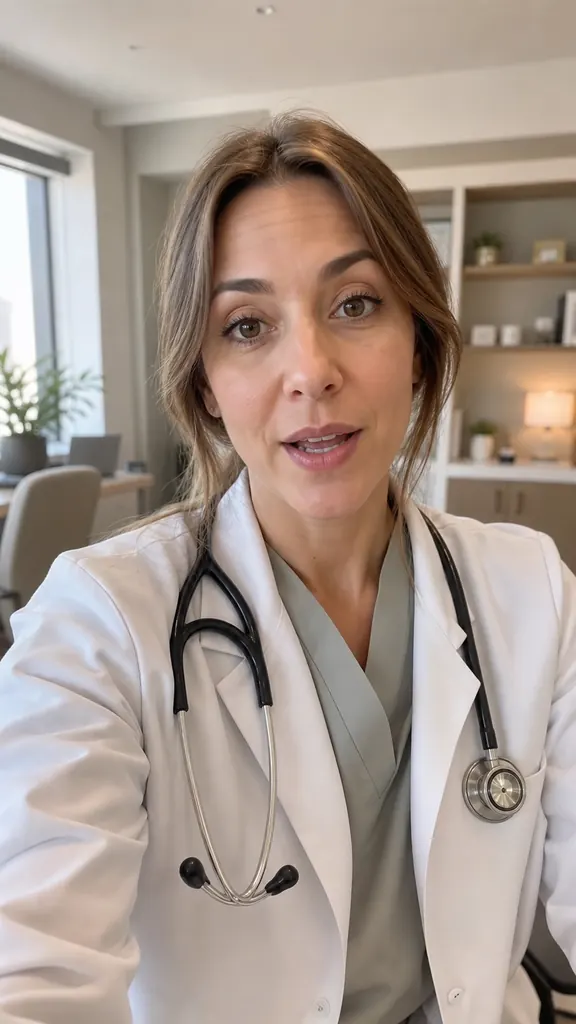 3 vitamin myths
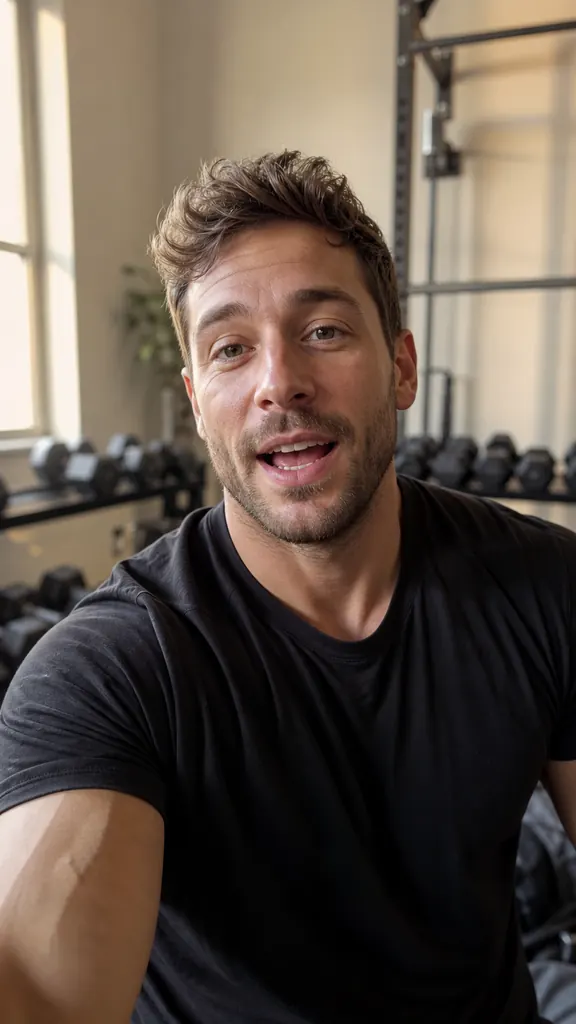 A 5-minute warm-up