Twenty takes of one line
The AI groups them and stars the best one.
Talking to the camera is easy. What comes after is hard: finding good takes, cutting pauses and “ums”, adding captions. That's what Dubl takes on.
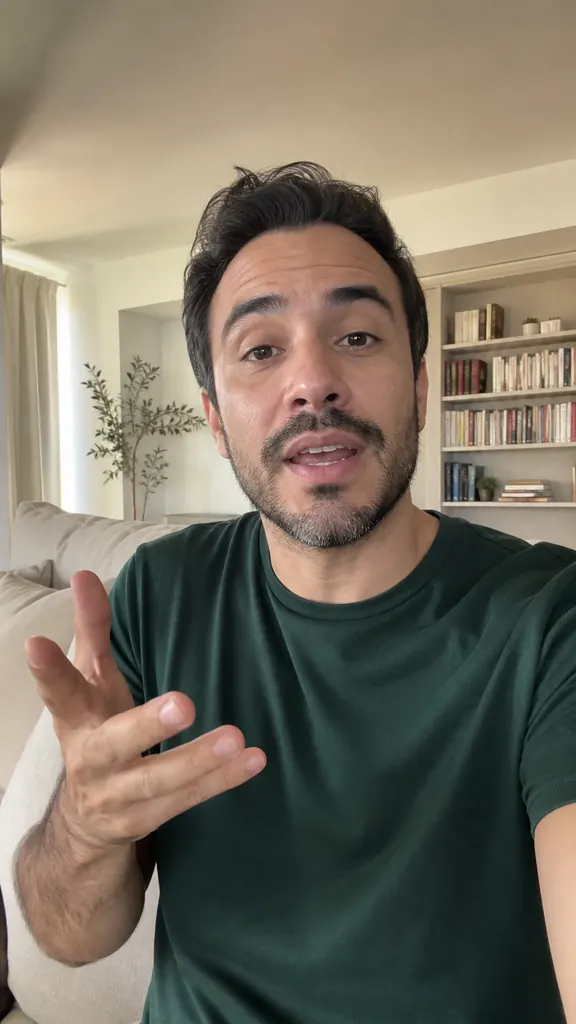
Tap an idea to see how it looks in a video
The AI groups them and stars the best one.
Silence is cut automatically, and extra words go with a tap on the text.
Smooth zoom, a hook and stickers bring even the simplest video to life.
Repeat a line as many times as you like — many files are fine
It transcribes each take and flags the best one
And the AI puts them in order by meaning
Captions, stickers and even sound are already in place
Yes, up to 60 minutes. The AI finds takes by the pauses.
On iPhone there's a teleprompter: the text scrolls over the camera as you talk.
Nine — from trendy “Neon” and “Karaoke” to calm “Signature”.
Get Dubl, shoot a couple of takes and see what comes out.
 3 reels in one evening
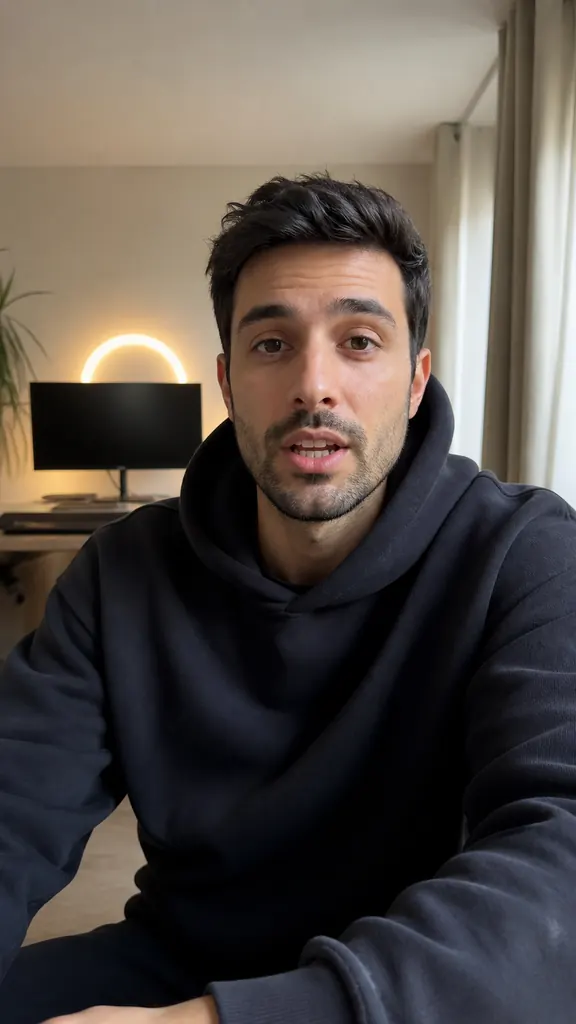 Episode highlights
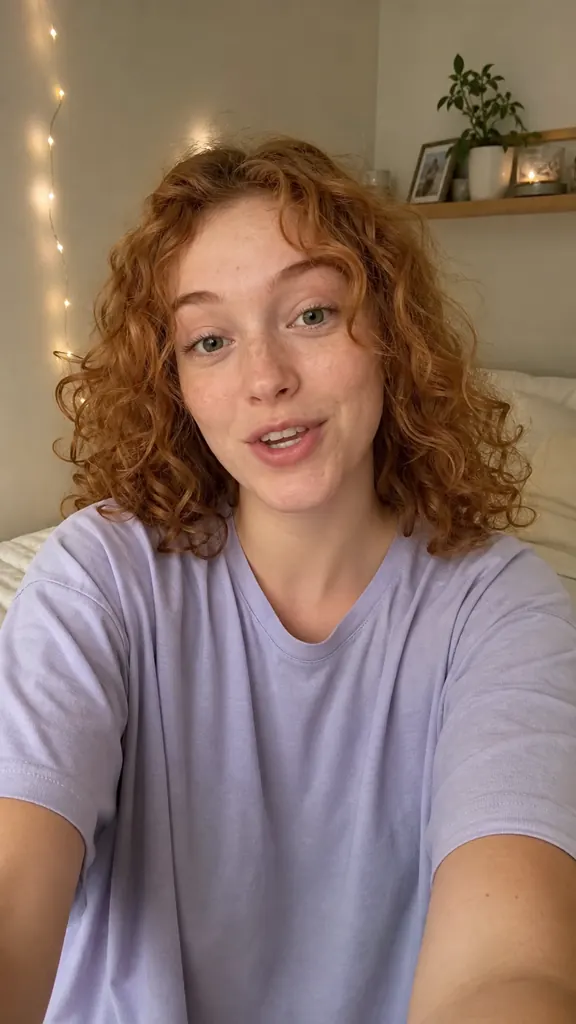 POV: you shot 5 takes