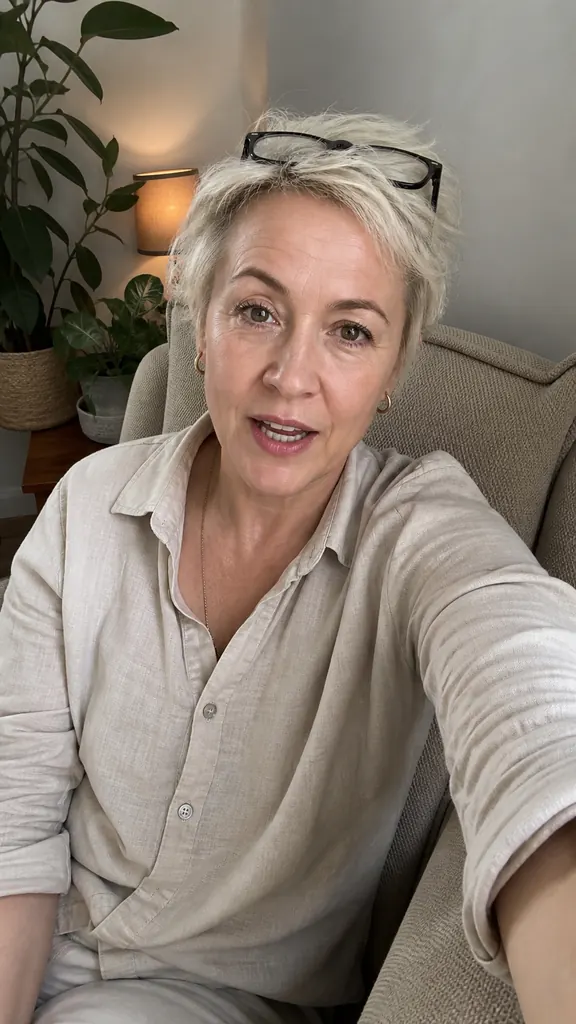
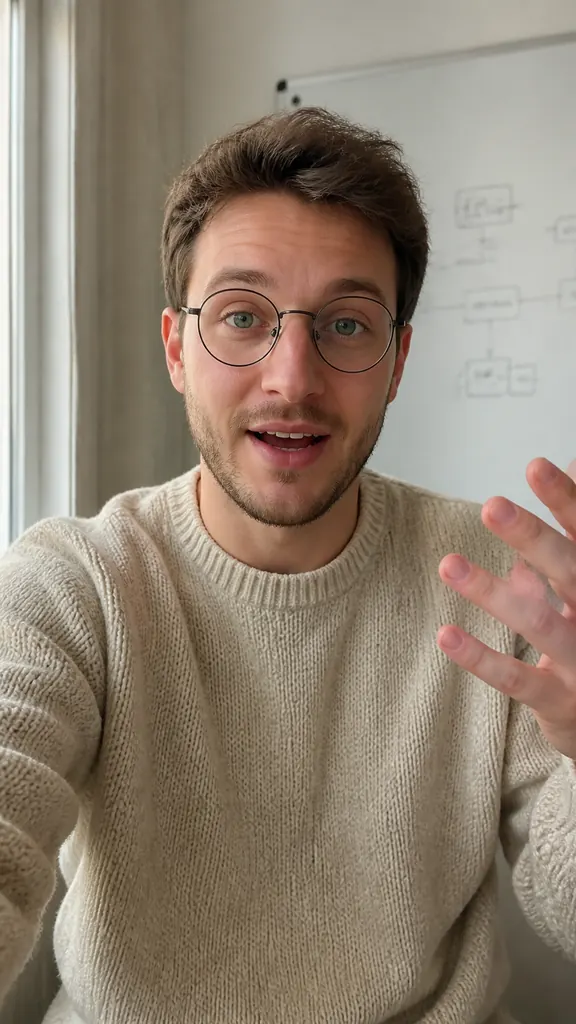
How to film a reel by yourself on your phone
You don't need a camera operator, a lav mic or a studio: a phone, a window and a quiet room are enough for a talking video. Here's how to set up light, sound and framing when you're filming yourself — and how to skip the evening of editing afterwards.
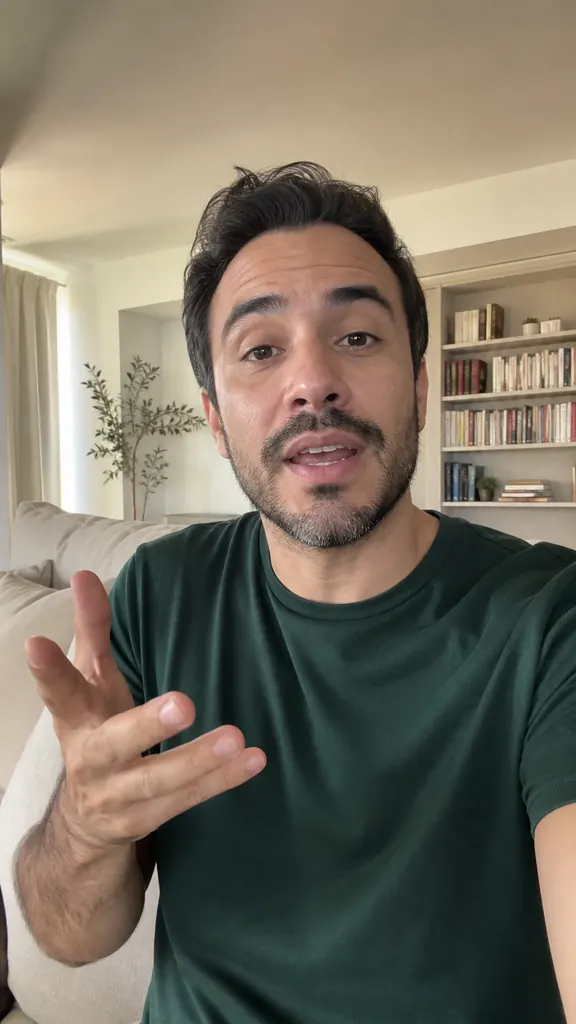
What you need
For a video where you talk to the camera, the gear list is short:
- a phone with a clean lens — wipe it before you start, it's the easiest image upgrade there is;
- a tripod or anything steady: a shelf, a stack of books, a desk mount;
- a window or a lamp that lights your face;
- a quiet room with no echo and no humming appliances.
An external mic helps but isn't required: if you sit close to the phone in a quiet spot, the built-in mic is good enough for most videos.
Light: face the window
The main rule is that light should hit your face, not come from behind you. Face the window and put the phone between you and it. Daylight is soft and even, and your skin looks natural in it.
What to avoid:
- a window behind you — your face turns into a dark silhouette;
- a single ceiling light — it puts shadows under your eyes;
- direct sun — you squint and get harsh patches on your face;
- mixed light: a warm lamp on one side and a cool window in front give each half of your face a different color.
In the evening, put a desk lamp behind the phone, slightly above eye level, and point it at a wall or the ceiling — bounced light is softer than direct light.
Where to put the phone and how to frame the shot
Phone upright, at eye level. Shoot from below and your chin takes over; shoot from above and you look up at the viewer like you're in trouble. If your support is too low, stack some books under it.
- Distance: about an arm's length or a bit more, so your head and shoulders are in the frame.
- Eyes roughly on the upper third line, with a little space above your head.
- Leave room at the bottom for captions so they don't cover your chin.
- Keep the background simple and calm. Clear the clothes off the chair behind you and the video instantly looks tidier.
The back camera is usually better than the front one, but with the front camera you can see yourself and notice right away if you drift out of the frame. When you're filming alone, that matters more.
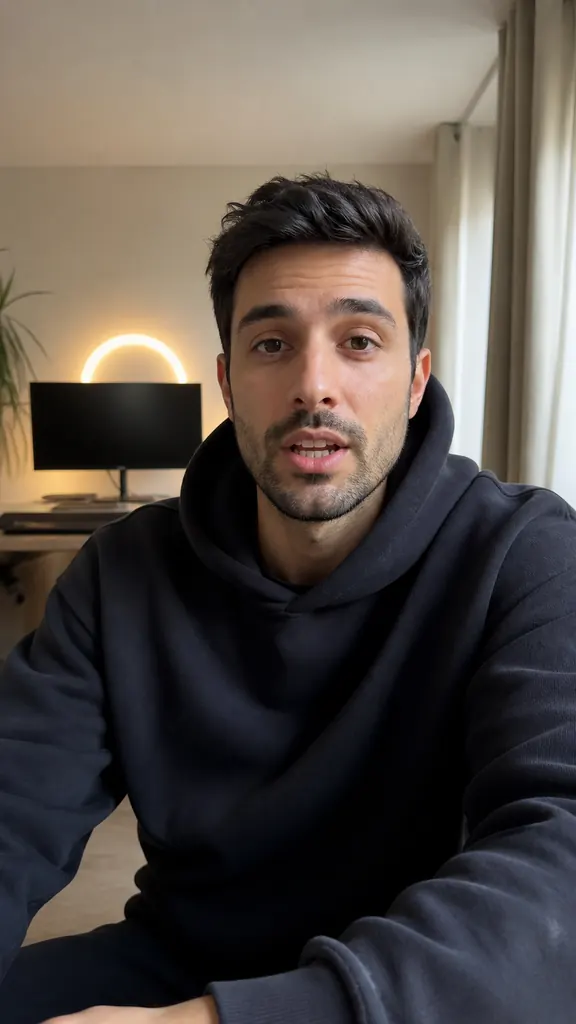
Hi! Today I'll show you
how to shoot three reels
in one evening
and skip the editing.
The trick is takes:
say the line again
until you like it.
Sound: silence beats a mic
Viewers will forgive a so-so picture, but not bad sound. So before you hit record:
- close the window and turn off the fan, AC and TV;
- pick a room with furniture, curtains and a rug — empty rooms echo;
- talk toward the phone and stay within a couple of steps of it;
- record a ten-second test and listen to it with headphones.
If you film in several sessions or in different rooms, your takes will have different volume. You'll need to even it out in editing, by hand or automatically.
How to film when no one is around
The most annoying part of filming alone is walking back to the phone every time to stop and restart the recording. Don't. Start recording once and go through the whole video in one go.
- Split your script into short lines, one idea each.
- Say each line two or three times in a row until it sounds confident.
- Stumbled? Pause and start the line over without stopping the camera.
- Stay quiet for a couple of seconds between lines — it makes them easier to find later.
You don't have to memorize your script. Keep it in front of you — next to the lens, not on a sheet off to the side, or your eyes will keep drifting away.
How to edit without an evening on the timeline
After a shoot like this you have one long recording full of repeats and pauses. Cutting it by hand takes a while: find where each take starts, pick the good one, remove the silence, even out the sound.
In Dubl the AI does that part. It finds take boundaries by the pauses, groups the takes of each line and marks the best one. Pauses are cut, volume is leveled, and each line gets a smooth camera push-in, so a tripod shot doesn't look static.
How to do it in Dubl
- Paste your script into the teleprompterWrite it in the app or paste it from your notes — it scrolls over the camera view, right next to the lens.
- Record your takes in one goA 3, 5 or 10-second countdown gives you time to get in place. Stumbled? Repeat the line without stopping.
- Create a projectTap “Create project”: the AI splits the recording into takes, picks the best ones and builds the video.
- Check and saveListen, swap a take if you like, and save the finished vertical video to your gallery.