Every word matters
Read a vetted script from the teleprompter and reshoot the line until it's precise.
Patients look for answers in short videos — let them find yours. The teleprompter keeps your wording precise; Dubl handles cutting, captions and sound.
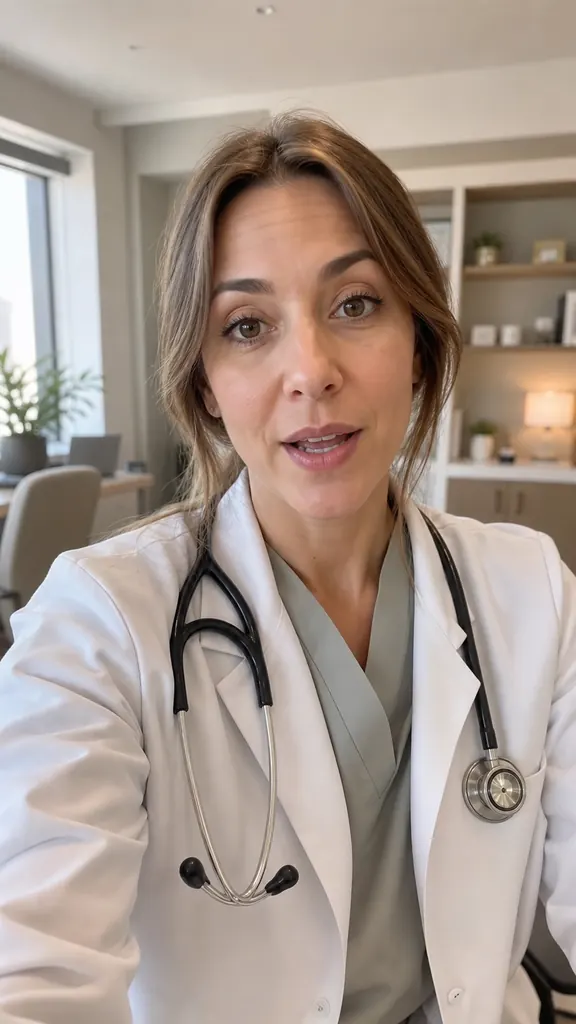
Tap an idea to see how it looks in a video
Read a vetted script from the teleprompter and reshoot the line until it's precise.
Record a few lines in five minutes — the video builds without you and you get a notification.
Word-by-word captions and a highlighted key word help even with complex topics.
Repeat a line as many times as you like — many files are fine
It transcribes each take and flags the best one
And the AI puts them in order by meaning
Captions, stickers and even sound are already in place
Yes, caption text is editable under “Customize” → “Text”.
No, your video stays on your phone. Only the sound is needed for transcription.
Yes: everyone films on their own phone, and the same caption settings keep one look.
Get Dubl, shoot a couple of takes and see what comes out.
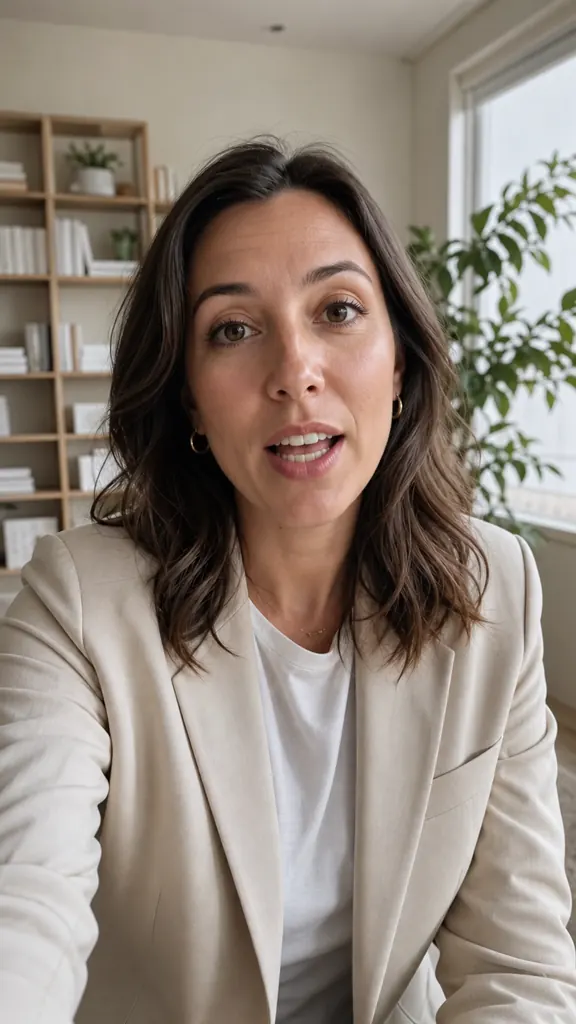 The #1 contract mistake
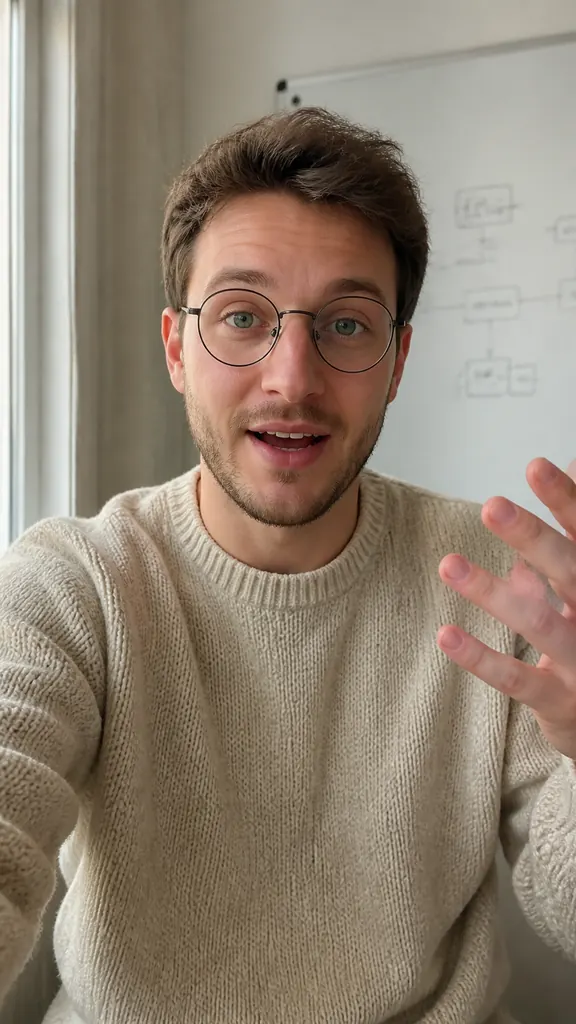 A rule in 30 seconds
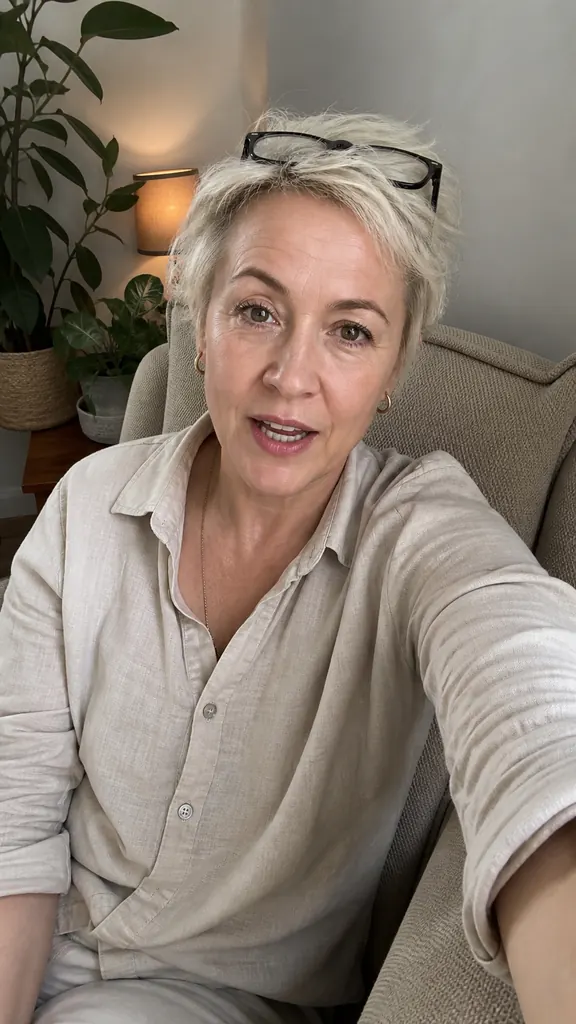 Why rest makes you tired
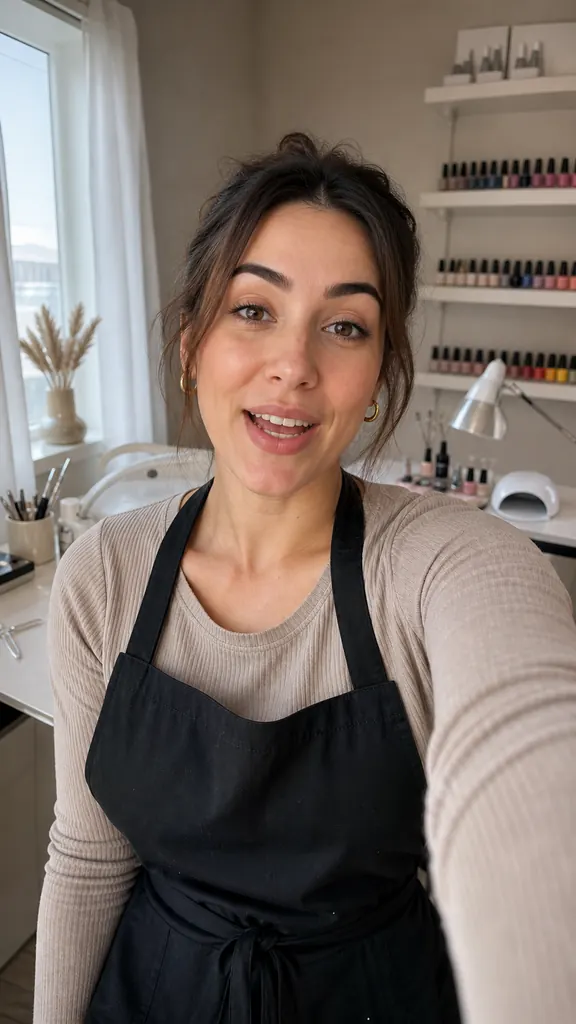 How long gel lasts
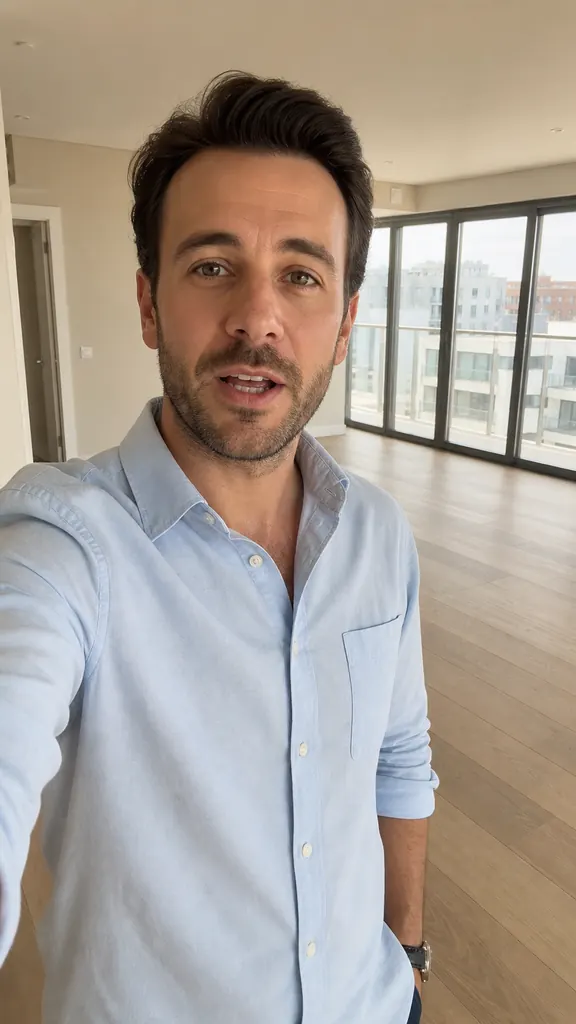 2 bedrooms by the park
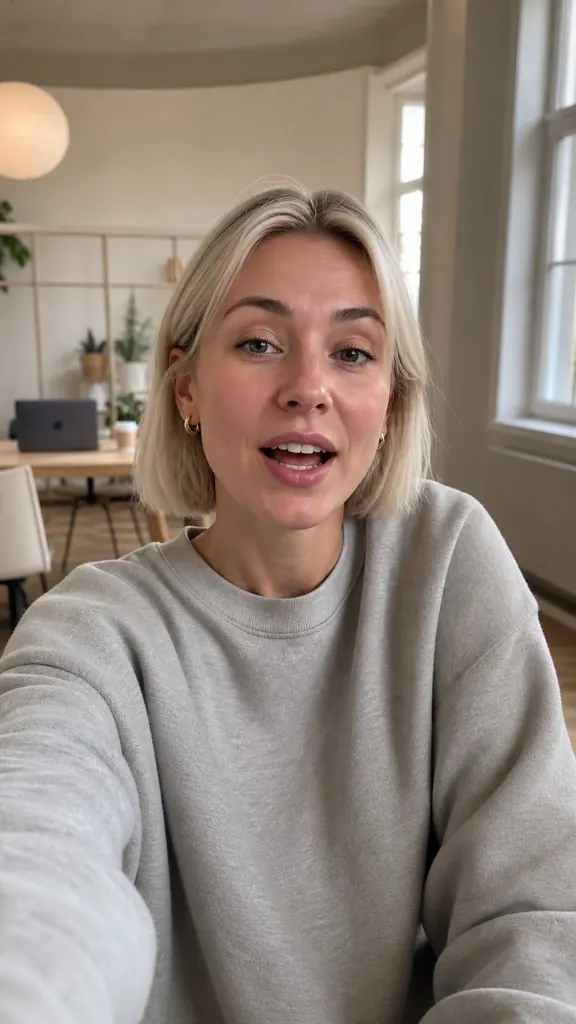 3 videos from one shoot
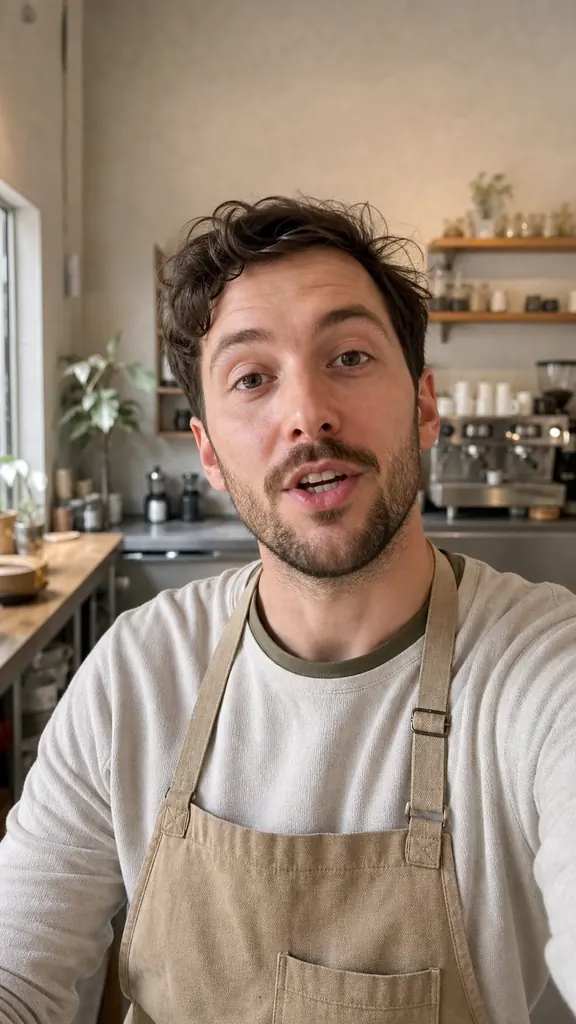 New this week
 A 5-minute warm-up