Movement without a crew
The camera eases in on every shot, so the video feels dynamic even if you filmed on a tripod in one pose.
When the frame never moves, viewers scroll on. Dubl gives every line a smooth push-in — like a camera operator who knows where the point is.
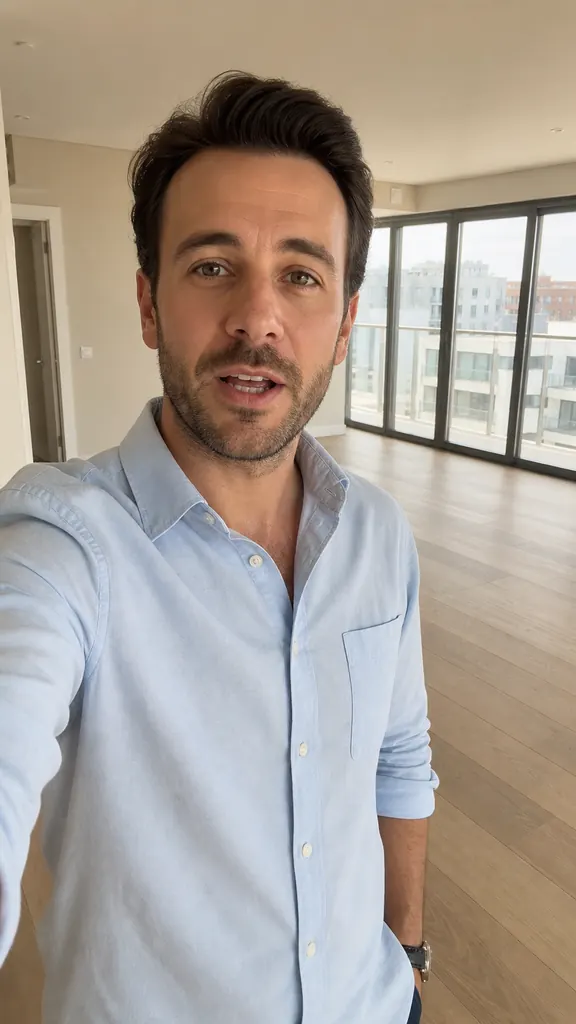
The camera eases in on every shot, so the video feels dynamic even if you filmed on a tripod in one pose.
The push-in is slow and moderate: your face stays in frame, and captions and stickers stay where they are.
The video is built at 1080×1920, 30 fps — the format for Reels, Shorts and TikTok.
On a tripod or handheld — however you like.
One per line, following the flow of the video.
To Photos, or straight to social via “Share”.
How to make a talking video more dynamicWhy people swipe past talking heads and how to bring your video to life: pace, pauses, camera zoom, stickers, captions and line order. No complex editing.
3 min read How to film YouTube Shorts on your phone
How to film YouTube Shorts on your phone: vertical framing, light and sound without a studio, a simple structure for short videos, captions and fast editing.
4 min read How to film a reel by yourself
How to film a reel alone on your phone: where to put the light and the phone, how to get clean sound, frame the shot and record takes with no one helping.
4 min readFor now the AI sets the zoom and it can't be adjusted by hand. The upside: nothing to keyframe.
The zoom is moderate, so footage shot at your phone's usual quality stays sharp.
A vertical MP4 video, 1080×1920, 30 frames per second.
Get Dubl, shoot a couple of takes and see what comes out.
 How long gel lasts
 A 5-minute warm-up
 3 reels in one evening