How to film with a teleprompter on iPhone
A teleprompter saves you from memorizing, but there's a catch: viewers can easily tell you're reading. Here's how to set up the text and pace so your eyes stay on the lens and you sound like you're talking, not reciting.
Why people can tell you're reading
Three things give it away. First, the eyes: they sweep left to right along each line and jump back to the start of the next. Second, direction: if the text sits far from the lens, you're looking past your viewer. Third, delivery: flat, no emphasis, the same pause at the end of every line.
All three can be fixed with the right teleprompter settings and a couple of habits while recording.
Where to place the text
The closer the lines are to the lens, the less noticeable it is that you're looking away. On iPhone the front camera sits at the top center, so the text should run in the upper part of the screen, right below it — not in the middle.
- Hold the phone at eye level — if it's lower, you're looking down, and it shows right away.
- Don't hold it too close: at arm's length, eye movement along a line is barely visible.
- Keep lines narrow with wide side margins. Shorter lines mean less back-and-forth for your eyes.
- Go with a bigger font than you think you need: small text makes you squint and lean in.
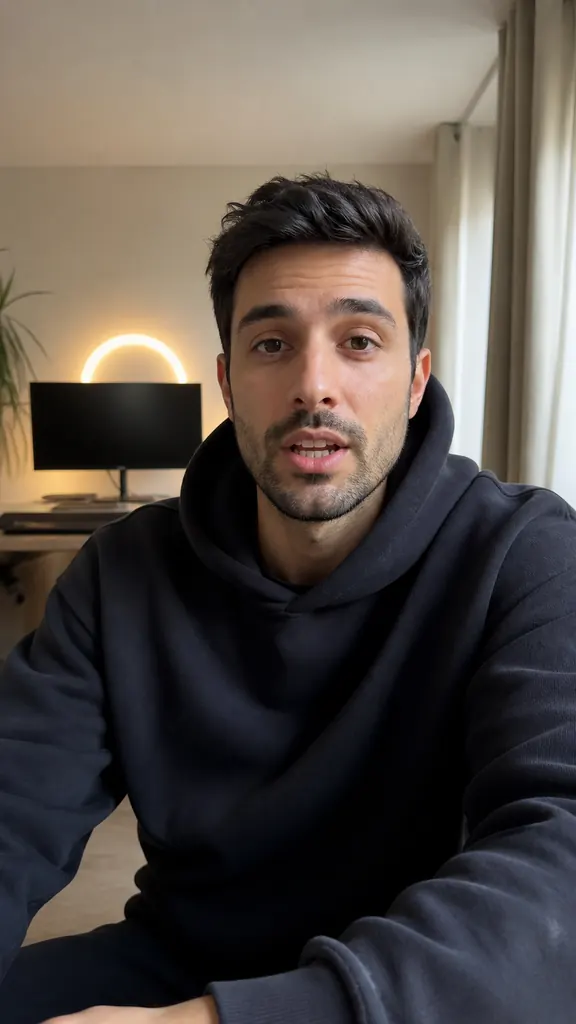
Hi! Today I'll show you
how to shoot three reels
in one evening
and skip the editing.
The trick is takes:
say the line again
until you like it.
What speed to choose
The right speed is one where you're neither chasing the text nor waiting for it. If the line runs away, you start rushing and swallowing word endings. If it stalls, you get pauses and your eyes drop down, waiting for the next line.
Start slow, read the first couple of lines and speed up. A good rule of thumb: the text moves a little slower than you talk in real life, which leaves room for a pause before the key word.
If you want to slow down mid-take — say, to show something on camera — stop the text, not the recording.
How to write a script that's easy to read aloud
Most of the “reading off a page” sound comes from how the script is written. Write it like speech, not like an article:
- short sentences — one idea per sentence;
- plain words you actually use in conversation;
- no long clauses or lists strung together with commas;
- numbers the way you say them: “five minutes”, not “5 min.”
Read the script out loud before recording. Anything you trip over, rewrite — you'll trip over it on camera too.
How to read naturally
- Know what the line is about before you say it. Glance a little ahead — then you're retelling, not reading.
- Talk to one person. Picture a specific friend behind the lens and explain it to them.
- Stress one word in each line — the one the line exists for.
- Don't be afraid to go off script: your own word instead of the written one sounds more natural.
- Smile before the first line — people can hear it in your voice.
Most importantly, don't try to get the whole video perfect in one go. Stumbled? Take a breath and repeat the line. Several takes of one line are a normal working method, not a failure.
A teleprompter that skips the editing
A regular teleprompter stops where editing starts: you end up with a long recording full of repeats and hunt for good takes yourself. In Dubl, the teleprompter and the editor are one app.
The lines scroll over the front-camera view, right next to the lens. Speed goes from ×0.4 to ×3, with the reading time for the whole script shown right there. Font size from 14 to 72 and side margins live in the same panel. After recording, the AI finds your best takes and puts the video together, and you can remove any extra word with a tap in the transcript.
How to do it in Dubl
- Paste your scriptWrite it in the app or paste it from your notes, a chat or a doc.
- Set up the linesPick the speed, font size and margins — narrow lines near the lens are the least noticeable.
- Record your takesAfter a 3, 5 or 10-second countdown the text starts rolling. Stumbled? Repeat the line without stopping. “Stop text” holds the lines while the camera keeps rolling.
- Send it to editingTap “Create project” — the AI picks your best takes and builds the video.