The hook writes itself
Short — up to 32 characters — and to the point: taken from what you said. It lands with a “slap”, like a real sticker.
Viewers decide whether to keep watching in a couple of seconds. From your speech, the AI writes a short hook and slaps it on the frame as a sticker, and stickers along the way highlight numbers and names.
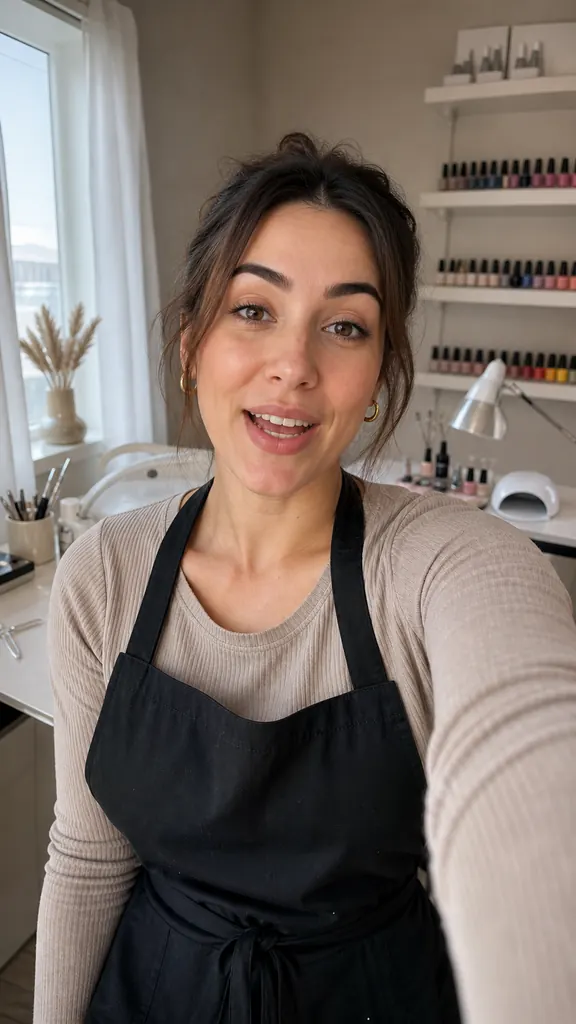
Short — up to 32 characters — and to the point: taken from what you said. It lands with a “slap”, like a real sticker.
A title up to 40 characters and a caption up to 60: a number, a name, a takeaway. Slightly tilted, in three spots of the frame — lively, not templated.
Hook, stickers and captions turn on separately. Want a clean frame? Turn the extras off.
The AI learns from your speech what the video is about.
The hook is on right away; stickers come with the styles where they fit.
Layer switches live in caption settings.
How to hook viewers in the first 3 secondsWhat a hook is, the main types of hooks with examples, why on-screen text matters and why you should open with the point. Build a strong start for your Reels.
3 min read How to make a talking video more dynamic
Why people swipe past talking heads and how to bring your video to life: pace, pauses, camera zoom, stickers, captions and line order. No complex editing.
3 min read How to write text for Reels
A simple structure for Reels: hook, point, proof, call to action. Short sentences, spoken language, reading aloud and length — with a one-screen example.
3 min readThe AI writes the hook from your speech. If it doesn't fit, turn it off — the video opens with your strongest line, no sticker.
The hook sticker sits at the start. And the AI opens the video with the line that makes the most sense there, even if you filmed it last.
No: they go in one of three spots that keep your face clear, and they scale with the frame.
Get Dubl, shoot a couple of takes and see what comes out.
 3 videos from one shoot
 New this week
 A 5-minute warm-up
 3 reels in one evening
 Episode highlights
 POV: you shot 5 takes