9 styles for any vibe
“Trend”: Mix, Number roll, Neon, Echo, Karaoke. “Classic”: Box and TV subs. “Calm”: Quiet and Signature.
The AI transcribes your speech, splits it into short lines and highlights the word that carries the point. Style, font and colors match your brand.
“Trend”: Mix, Number roll, Neon, Echo, Karaoke. “Classic”: Box and TV subs. “Calm”: Quiet and Signature.
In “Smart” mode the AI highlights one word, number or name in each line — eyes catch the meaning, not just the letters.
Drag the caption anywhere in the frame, pinch to resize, pick a color from the palette or right from the frame with the eyedropper. Edit the text too.
Captions come from the transcript — nothing to type.
One of 9 styles, a font and colors. Or keep what Dubl suggests.
Size, position, italics, text — all under “Customize”.
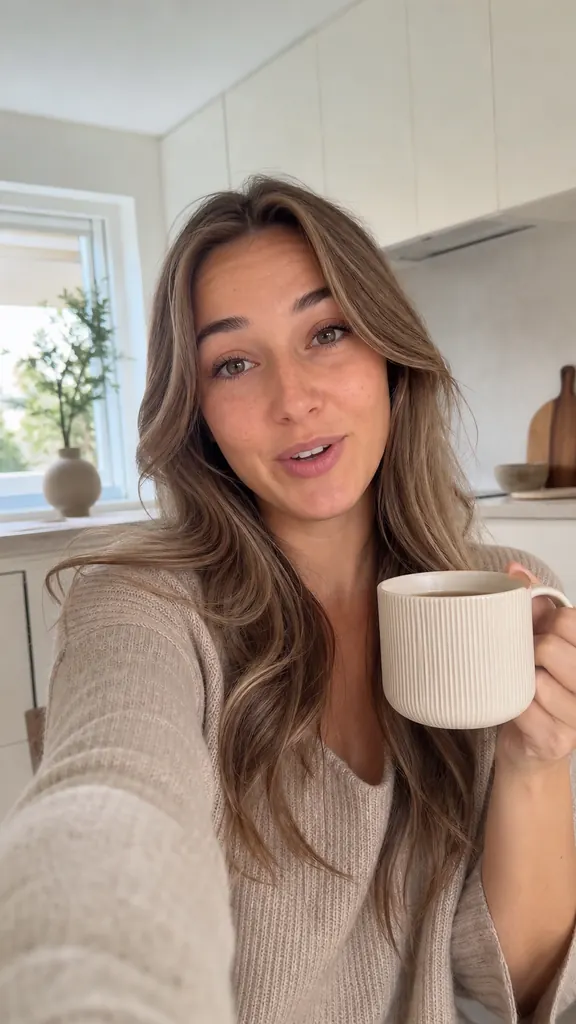
 The #1 contract mistakeExperts
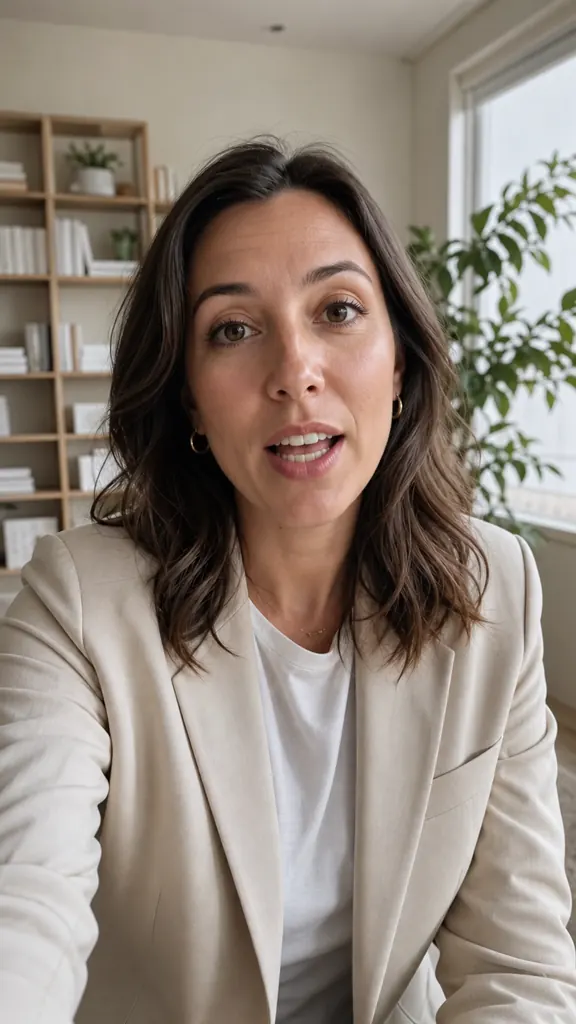
 A rule in 30 secondsTeachers & schools
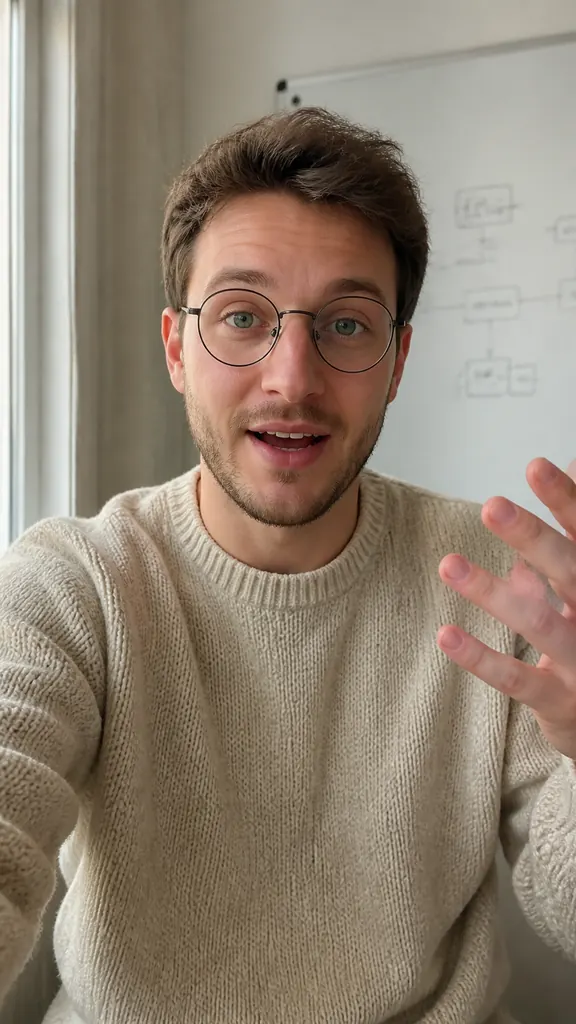
 Why rest makes you tiredCoaches & therapists
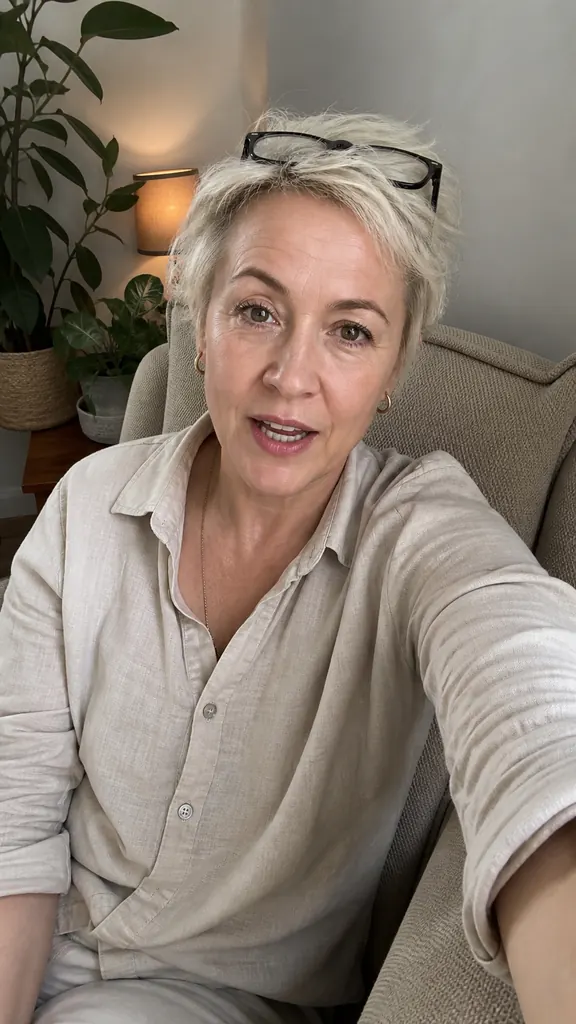
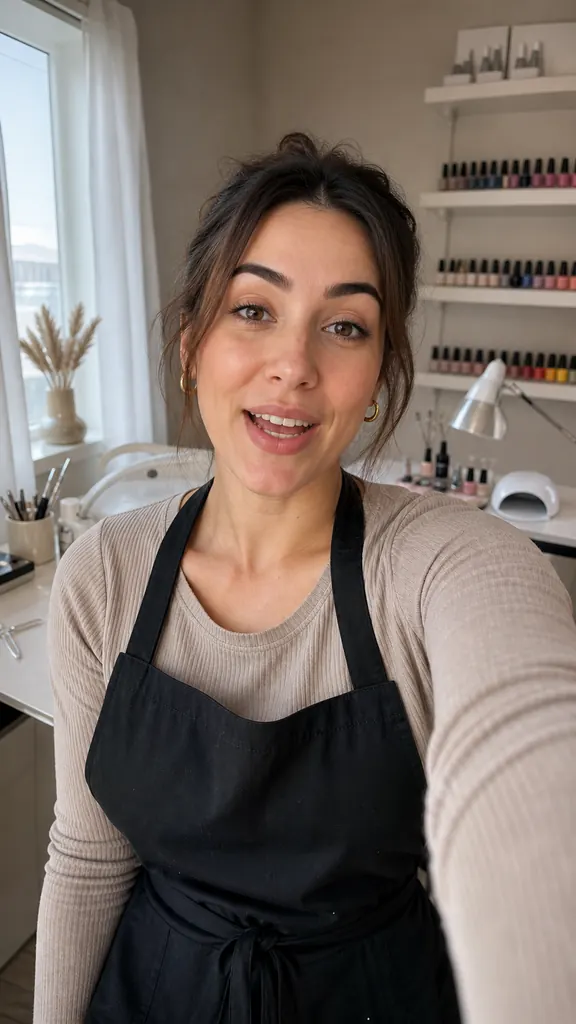 How long gel lastsBeauty pros
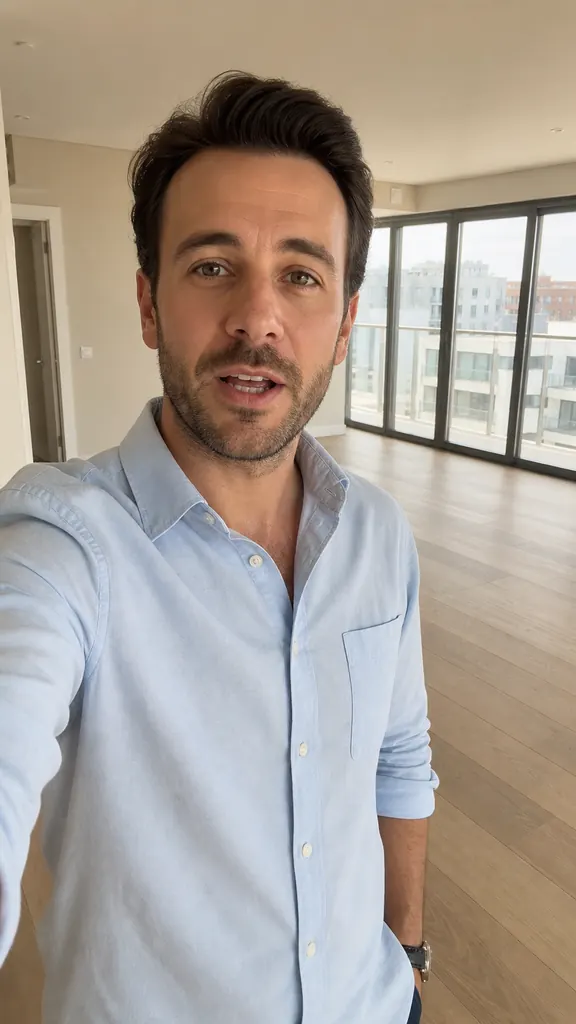 2 bedrooms by the parkReal estate agents
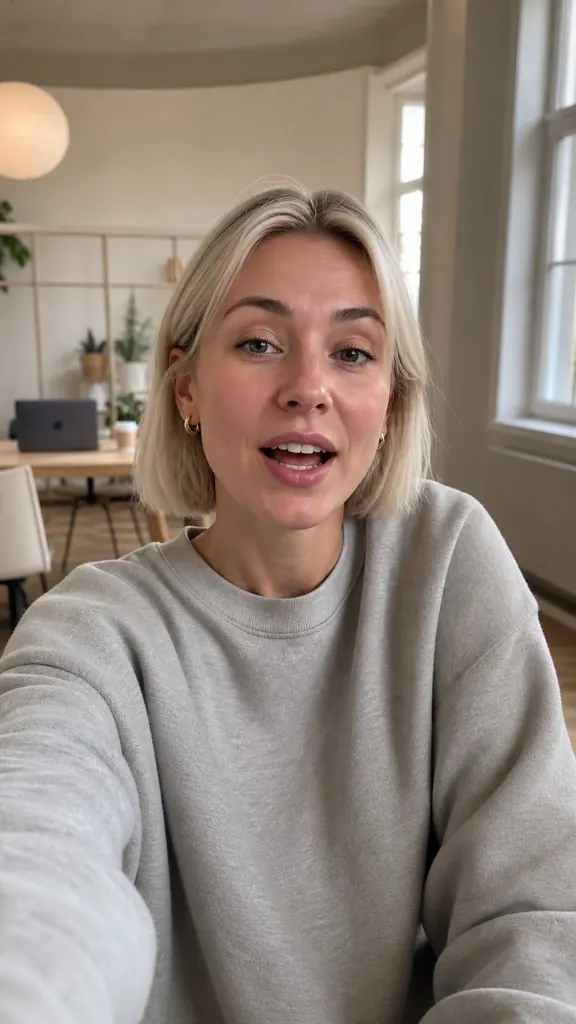 3 videos from one shootSMM & marketers
 New this weekSmall business
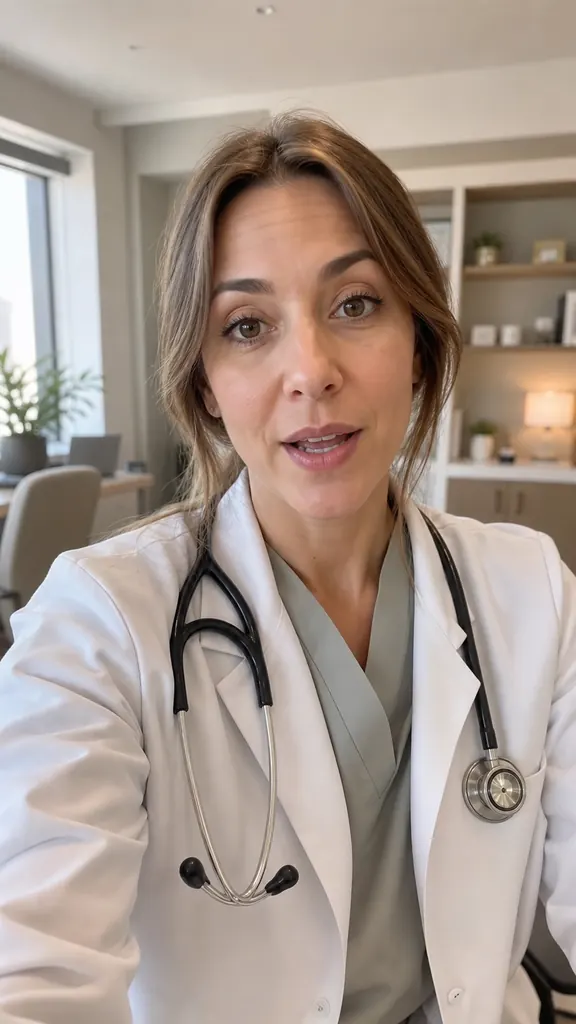 3 vitamin mythsDoctors3 reels in one eveningInstagram Reels
 Episode highlightsYouTube Shorts
 POV: you shot 5 takesTikTok
How to add captions to a video
POV: you shot 5 takesTikTok
How to add captions to a videoWhy captions matter, which size and style people can read, where to place them, how to highlight the key word, check for errors — and caption on your phone in minutes.
3 min readHow to transcribe a video to textWhy turn a video into text, what options you have on your phone, and how to get an accurate transcript without typing: tips for recording and proofreading.
3 min readHow to film YouTube Shorts on your phoneHow to film YouTube Shorts on your phone: vertical framing, light and sound without a studio, a simple structure for short videos, captions and fast editing.
4 min read“Verbatim” shows every word you said. “Smart” gives short lines by meaning, drops filler words and highlights the key word.
Onest, Golos Text, Geologica, Manrope, Unbounded, Tektur, Oswald and Playfair Display. On iPhone you can also use fonts installed on your phone.
Yes, choose “Off” and the video is built without them.
The one you speak: you choose your recording language in the app.
Get Dubl, shoot a couple of takes and see what comes out.