Eyes on the lens, not on notes
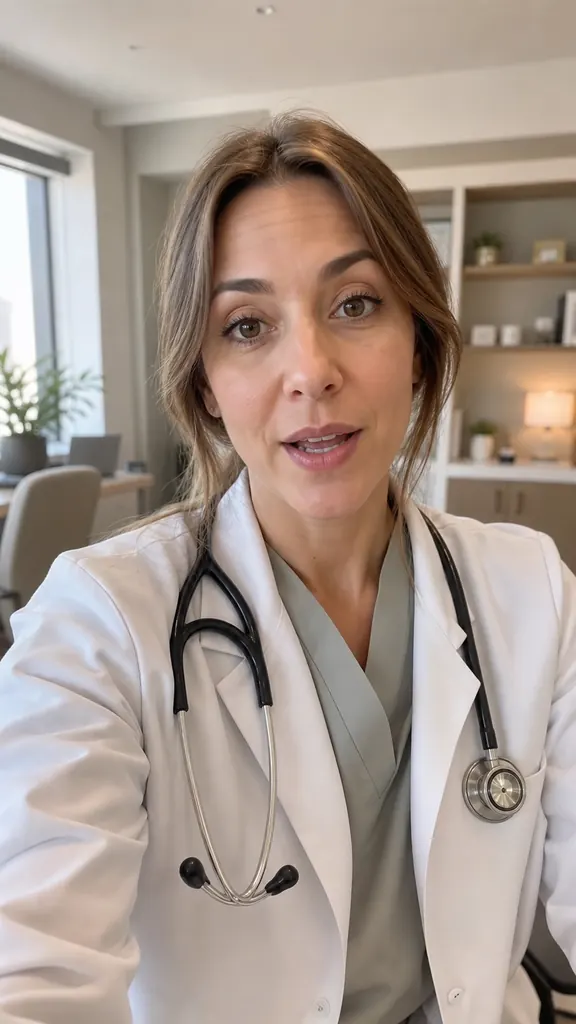
The lines scroll right over the front-camera view, next to the lens. You keep eye contact with your viewer even while reading.
Your script scrolls over the frame while you look into the lens. Once the takes are shot, Dubl turns them into a video — no exporting to another editor.
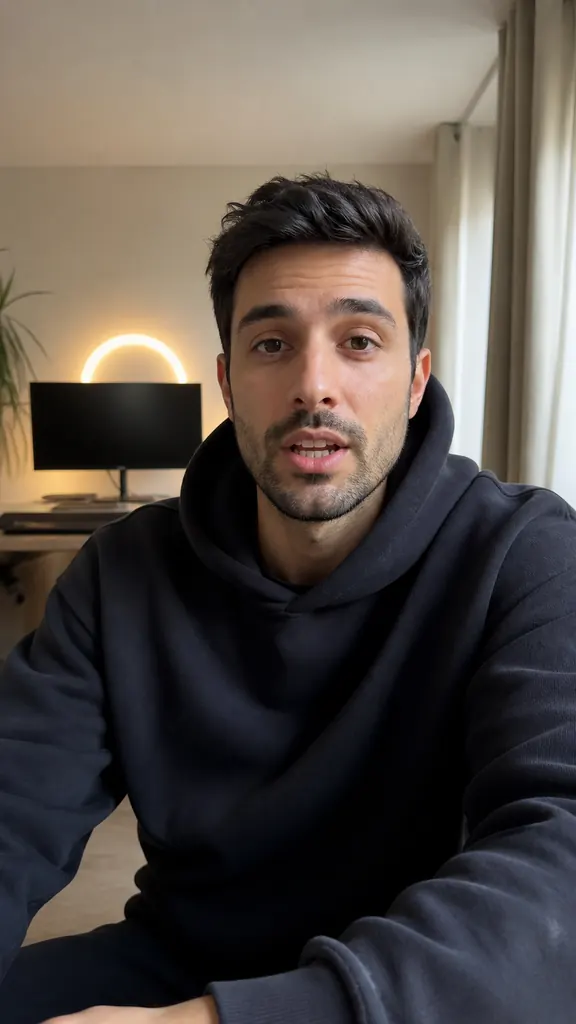
Hi! Today I'll show you
how to shoot three reels
in one evening
and skip the editing.
The trick is takes:
say the line again
until you like it.
The lines scroll right over the front-camera view, next to the lens. You keep eye contact with your viewer even while reading.
From ×0.4 to ×3, with the reading time for the whole script shown right there. Font size from 14 to 72 and side margins live in the same panel.
After every take you see whether you got through the whole script. Short unfinished takes come pre-selected, so you can clear them in one tap.
Write it in the app or paste it from your notes, a chat or a doc.
A 3, 5 or 10-second countdown and the text starts rolling. Stumbled? Just start the line again without stopping.
Tap “Create project” and the AI finds your best takes and puts the video together.
 How to film a reel by yourself
How to film a reel alone on your phone: where to put the light and the phone, how to get clean sound, frame the shot and record takes with no one helping.
4 min readHow to use a teleprompter on iPhoneHow to read from a teleprompter on iPhone without “reading eyes”: where to place the text, what speed to pick and how to sound natural, not scripted.
3 min read How to write text for Reels
A simple structure for Reels: hook, point, proof, call to action. Short sentences, spoken language, reading aloud and length — with a one-screen example.
3 min readRight now it's in the iPhone version. The Android app is coming to the stores soon.
Yes — tap “Stop text” and the lines stop while the camera keeps rolling. You can also switch to the back camera.
Save them to Photos, reshoot, or turn them into a project and let Dubl edit the video.
No. Read from the screen, and don't worry about slips: repeat the line and the AI will suggest the best take.
Get Dubl, shoot a couple of takes and see what comes out.
 A rule in 30 seconds
 Why rest makes you tired
 New this week
 3 vitamin myths