You need a fast pace
Pauses are cut by threshold, and “ums” are crossed out on their own.
On TikTok, pace and the first seconds decide everything. Dubl cuts pauses and adds a hook and captions in “Trend” styles — Mix, Neon, Karaoke. You film while the idea is hot.
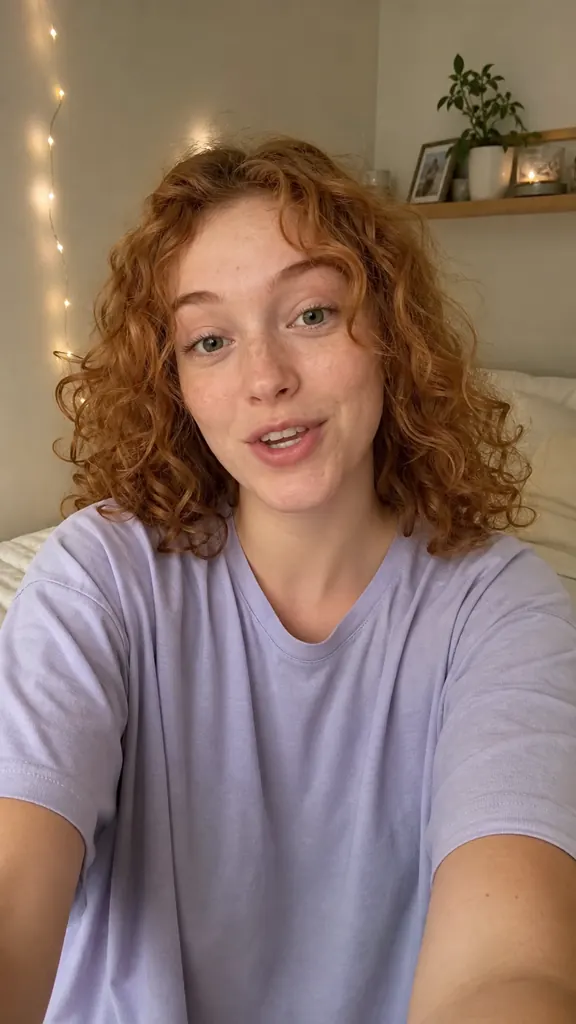
Tap an idea to see how it looks in a video
Pauses are cut by threshold, and “ums” are crossed out on their own.
“Mix”, “Neon”, “Echo”, “Karaoke”, “Number roll” — in one tap.
Film your lines while the idea is fresh — the video builds itself.
Repeat a line as many times as you like — many files are fine
It transcribes each take and flags the best one
And the AI puts them in order by meaning
Captions, stickers and even sound are already in place
Yes, vertical 1080×1920 — the TikTok standard.
Tap “Share” and pick TikTok, or save the video to Photos.
Yes, drag them anywhere in the frame and pinch to resize.
Get Dubl, shoot a couple of takes and see what comes out.
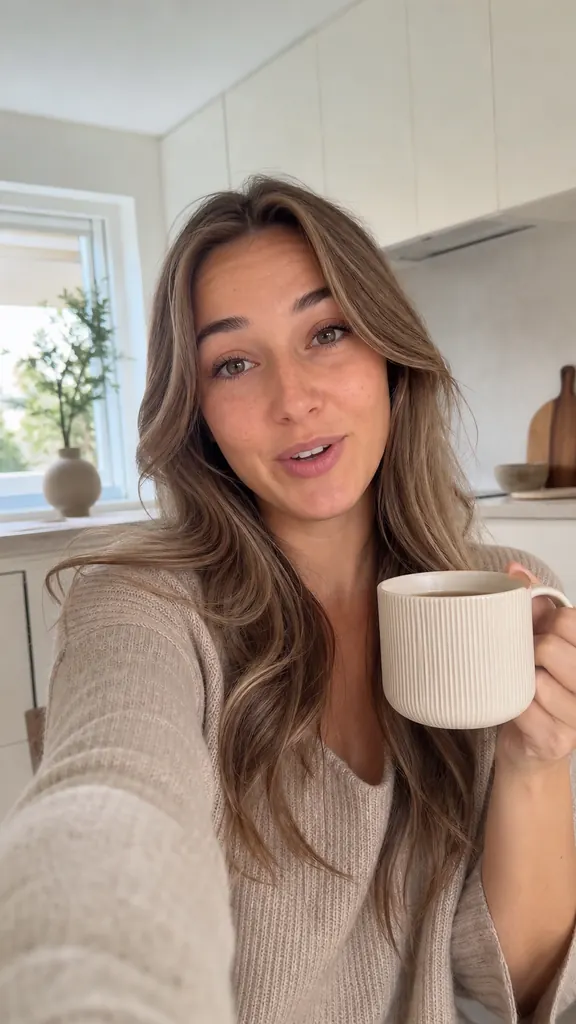 3 reels in one evening
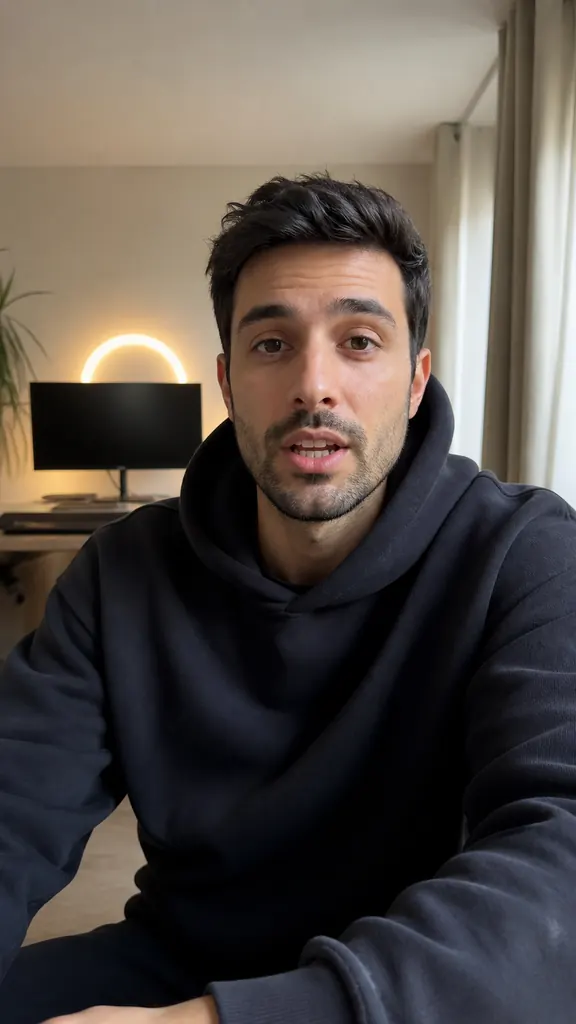 Episode highlights
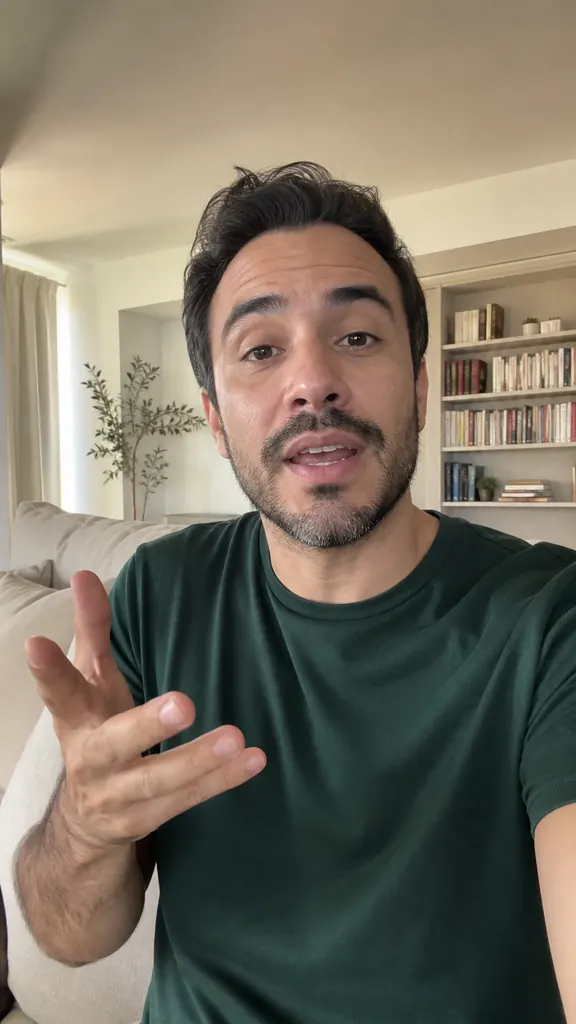 My take in a minute