People scroll past in a second
A hook sticker at the start and a smooth zoom keep eyes on you.
On Instagram Reels, the first seconds, captions and pacing matter most. Dubl puts a hook up front, cuts pauses and makes captions with the key word — you just talk.
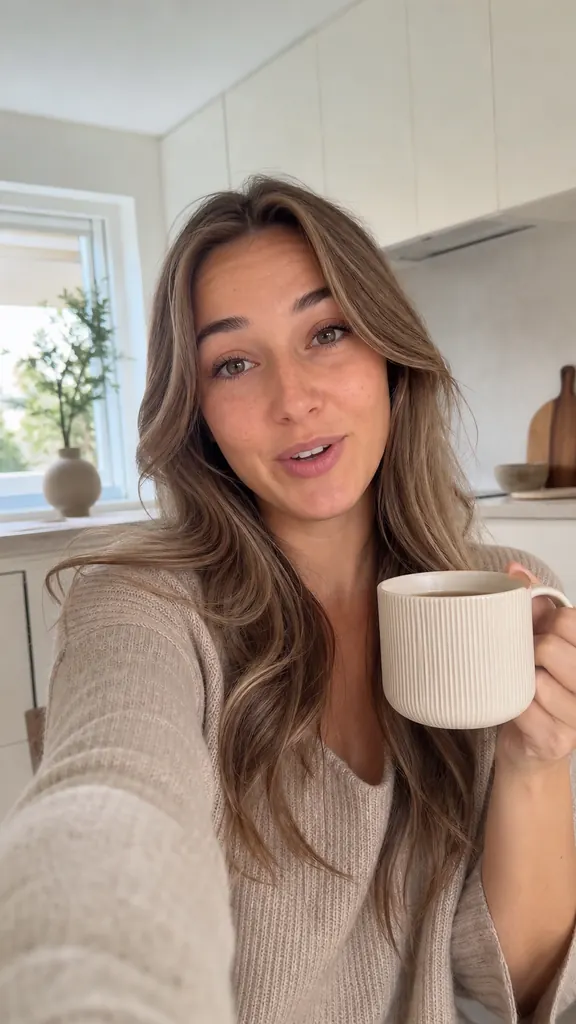
Tap an idea to see how it looks in a video
A hook sticker at the start and a smooth zoom keep eyes on you.
Word-by-word captions in 9 styles, with the key word highlighted.
Cutting, sound and styling are automatic: several reels in one evening is doable.
Repeat a line as many times as you like — many files are fine
It transcribes each take and flags the best one
And the AI puts them in order by meaning
Captions, stickers and even sound are already in place
Yes, the video is built vertical at 1080×1920 — the Reels format.
Save it to Photos and upload as usual, or send it via “Share”.
Right now Dubl builds the video around your voice; you can add music when you post.
Get Dubl, shoot a couple of takes and see what comes out.
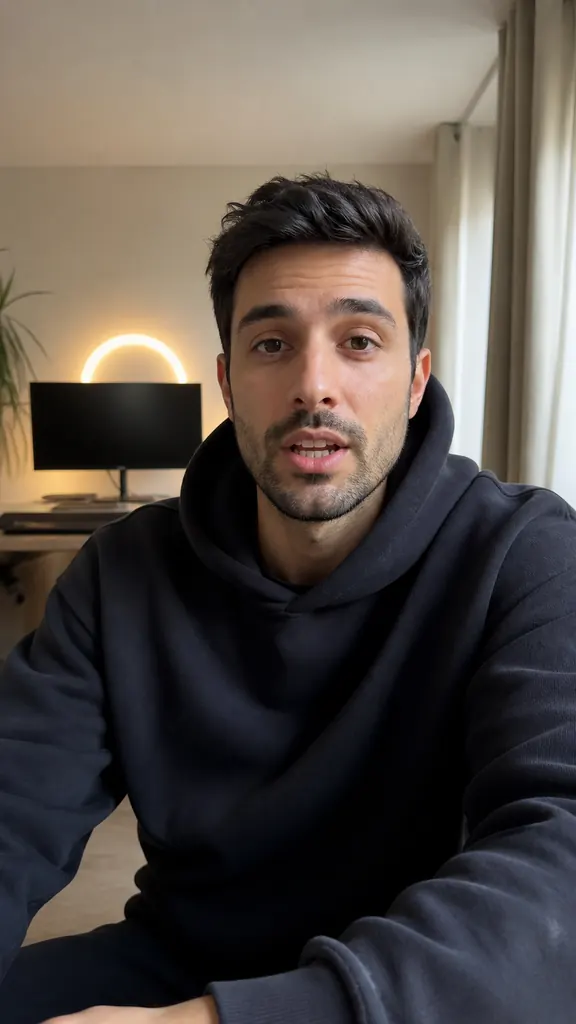 Episode highlights
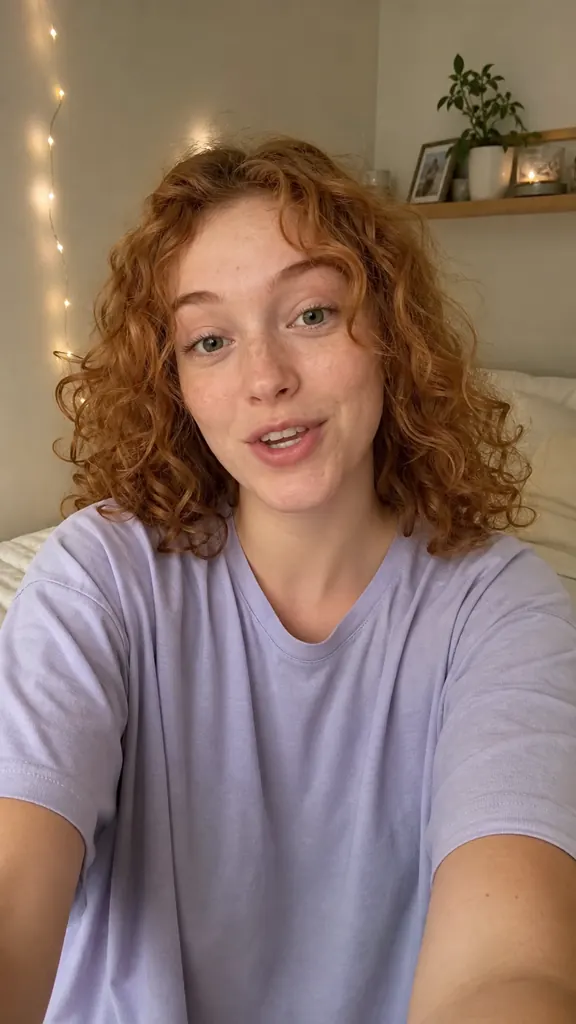 POV: you shot 5 takes
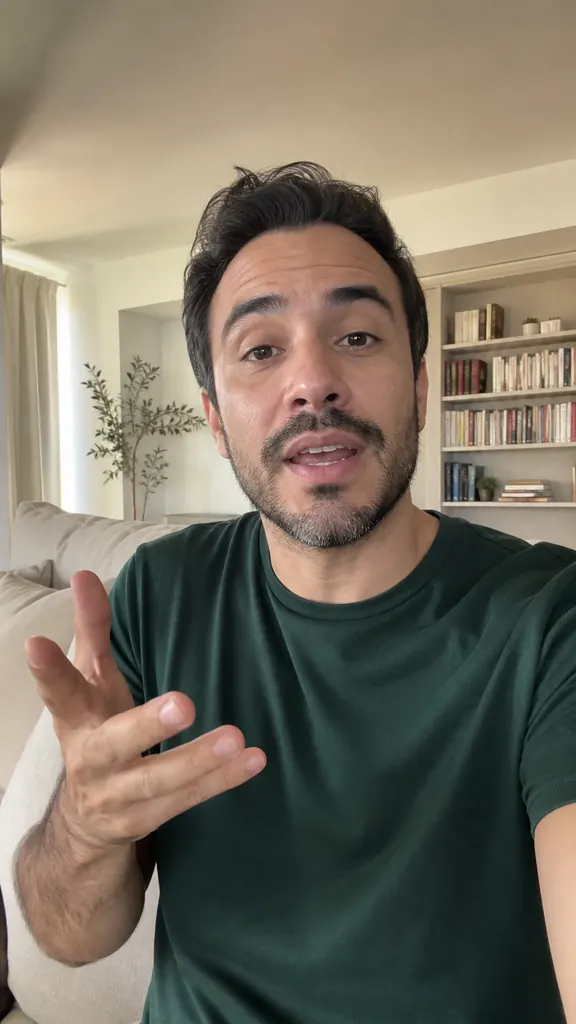 My take in a minute