How to film YouTube Shorts on your phone
You don't need a camera, a studio or an editor for Shorts — a phone, a window and a quiet room will do. Here's how to set up a shot that looks and sounds good, how to structure a short video, and how to edit it without losing an evening to a timeline.
Shoot vertical from the start
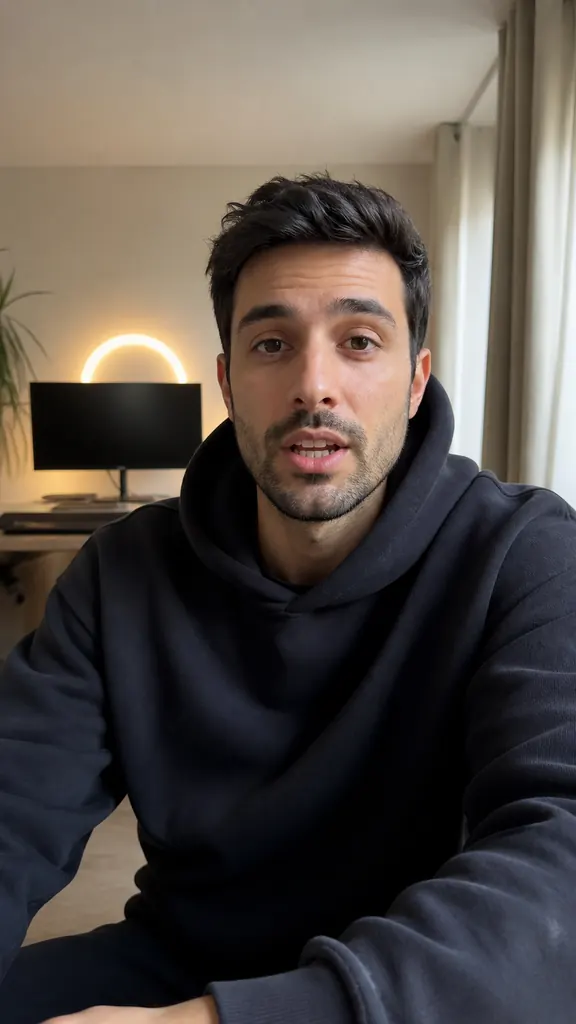
People watch Shorts holding their phone upright, so film it the same way — in 9:16. If you shoot horizontally and crop later, you lose more than half the picture and your face ends up small and soft.
Stand your phone upright and check the frame before you hit record:
- eyes roughly on the upper third of the screen, with a little room above your head;
- face and shoulders in the shot — not your whole body plus the floor and ceiling;
- space at the bottom: that's where the platform's labels and your captions go;
- a calm background — a shelf, a wall, a window off to the side, no pile of dishes.
Light and sound without a studio
The easiest good light is a window. Face it, or turn slightly toward it, and your skin looks even without any lamps. A window behind you does the opposite and turns you into a dark silhouette. In the evening, any bright lamp in front of you, slightly above eye level, works.
Sound matters more than picture: people will sit through a soft image, but not an echoey voice. Pick a smaller room with curtains, a rug or a couch — they soak up echo. Turn off the AC and the TV, close the window. Keep the phone about an arm's length away: the closer the mic, the cleaner your voice. A lav mic is great, but you can start without one.
Camera, tripod and eye contact
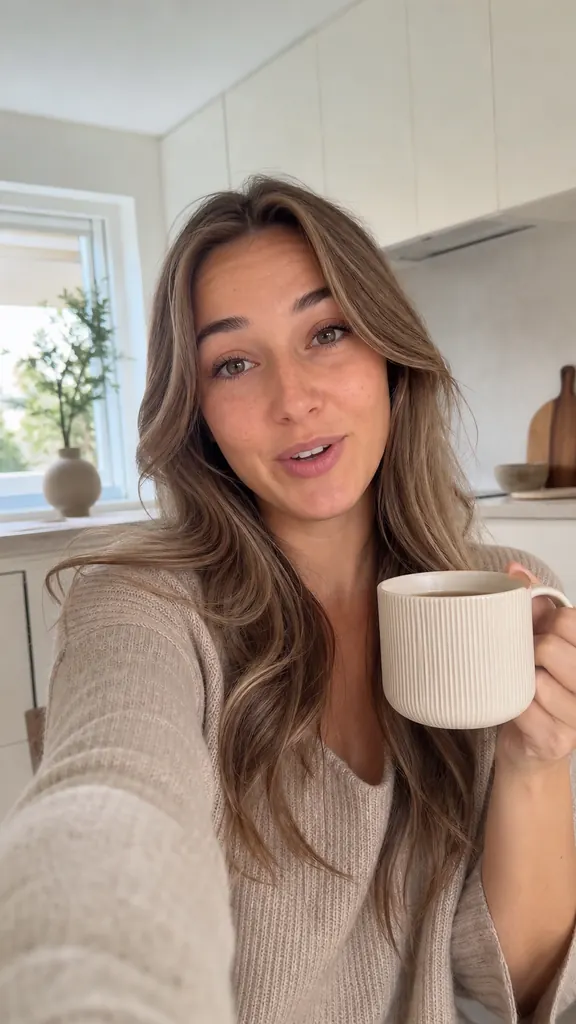
Wipe the lens — a fingerprint leaves a hazy glow you can't fix later. Put the phone at eye level: from below you get a close-up of your chin, from above you look up at the viewer like you're in trouble.
For talking videos the front camera is easier: you see yourself and your script. Look into the lens, not at your face on the screen — that's what makes viewers feel you're talking to them. Mount the phone on a tripod or prop it on a stack of books: a shaky shot wears people out faster than you'd think.
How to structure a short video
A Short is one idea, not a lecture. If the topic is big, split it into several videos. A simple structure that works for almost anything:
- the opening — the point or a promise right away: what the viewer will learn or get;
- the middle — two or three concrete points, an example or a quick story;
- the ending — a takeaway, a tip, or a question people will want to answer in the comments.
Write short sentences, the way you talk rather than the way you'd write a report. Every line should move the idea forward. Anything you can drop without losing meaning is better dropped before you film.
Captions and on-screen text
Lots of people watch with the sound off — on the bus, in a line, next to a sleeping kid. Captions keep those viewers, and help everyone else follow along. Make them big, a few words per line, and away from the very bottom edge where the platform's buttons cover them.
A short label at the start tells people what the video is about before you say a word. Three to five words are enough: “3 beginner mistakes”, “How I film in one evening”.
How to edit Shorts right on your phone
After filming, the slow part usually begins: rewatch every take, pick the good ones, cut the pauses, type out captions. In Dubl, the AI does that.
You film your lines with the teleprompter — the text scrolls over the camera view, right next to the lens — or pick existing videos from your gallery. The AI transcribes your speech, groups takes of the same line and marks the best one, cuts the pauses, and adds captions, a hook sticker and smooth camera push-ins. The video is saved vertical, 1080×1920 at 30 fps — exactly what Shorts needs.
How to do it in Dubl
- Write your scriptPaste your script into the teleprompter or pick videos you've already shot from your gallery.
- Film your linesGo line by line; if you slip, just say it again without stopping. The AI picks the best take.
- Check the videoPauses are already cut, captions and hook are in place. Swap a take or a caption style if you like.
- Post to YouTubeSave the video to your gallery or send it via “Share”, then upload it as a Short.