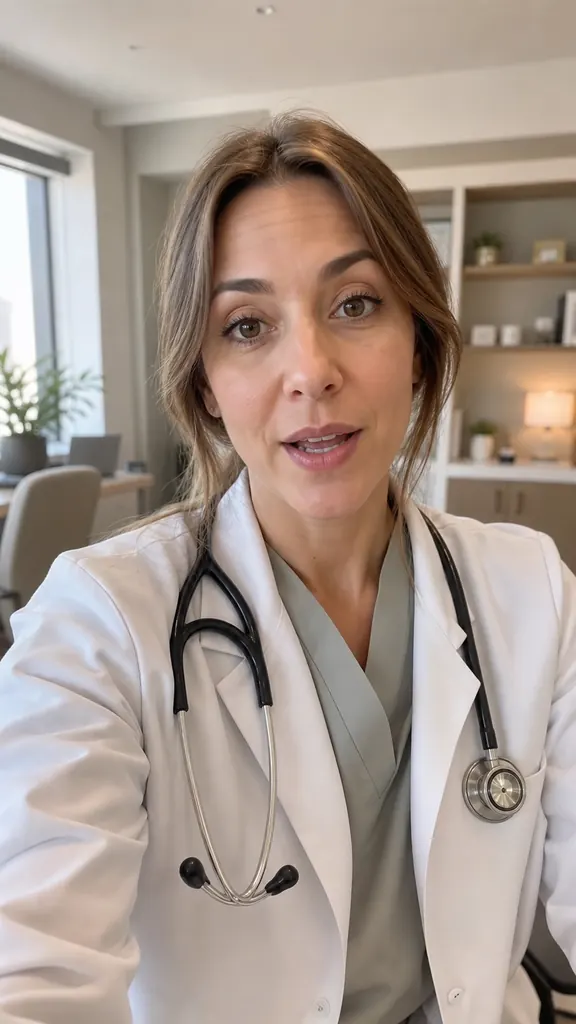
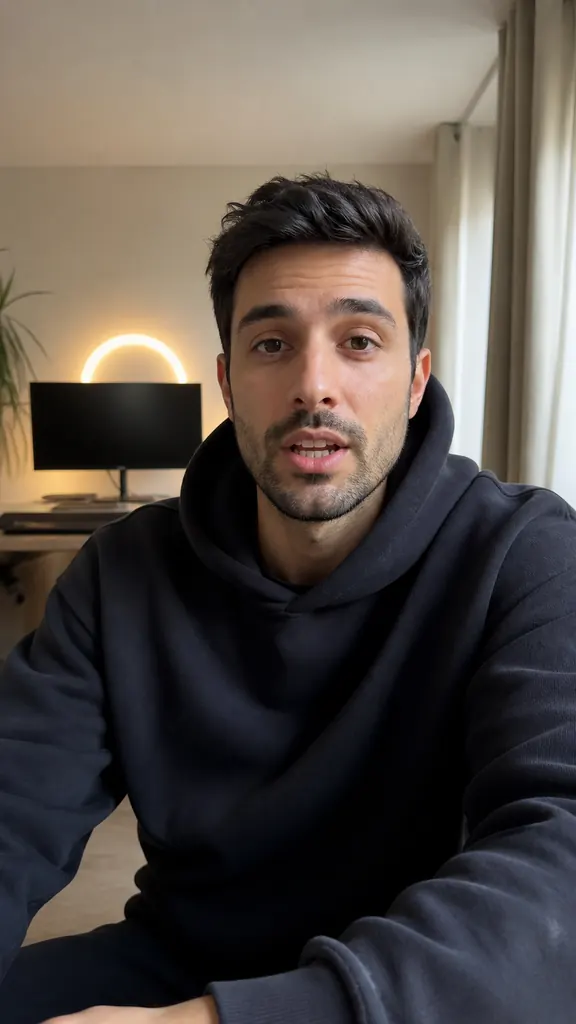
Reels for small business: film it yourself
A small business doesn't need an agency to show up on social media with video. Nobody tells your story better than the person who built it — and you can film it on your phone between tasks. Here's what to film, how to do it without a team, and how not to quit after two weeks.

Why the owner on camera works
People come for people. You can hire someone to make a slick promo, but trust comes from the café owner explaining why they chose these particular beans. A real voice and a familiar face stick better than a perfect picture.
You don't have to be a creator or speak without a stumble. You just need to know your business — and nobody knows it better than you.
What to film: topics that never run out
Start with what you already do every day. These topics alone can fill months of videos:
- Your product or service up close — what it is, who it's for, how it's different.
- The process — how the bread is baked, how a bouquet comes together, how a treatment goes.
- Your team — who works with you, what they do, why you hired them.
- Common questions — “Do you deliver?”, “How long does it keep?”, “How do I pick my size?”.
- A review in your own words — retell what a customer wrote and what changed for them.
- New this week — what just arrived, why you added it, who'll love it.
- Behind the scenes — unpacking a delivery, getting ready to open, a batch that went wrong and what you did about it.
- Your story — why you opened in the first place and what was hardest.
How to film on your own, without a team
All you need is a phone, a tripod and a quiet half hour. The best time is before opening or after closing: no customers, no noise, no line.
- Stand the phone upright at eye level, with light from a window or storefront on your face.
- Position yourself so your business is visible behind you: shelves, the floor, your workshop.
- Speak in short sentences and repeat a line if you stumble — you'll pick the best version later.
- Show products in your hands slowly and hold them in the shot for a couple of seconds.
Don't try to nail everything on the first go. A video with real speech and an honest delivery beats a polished one you only manage twice a year.
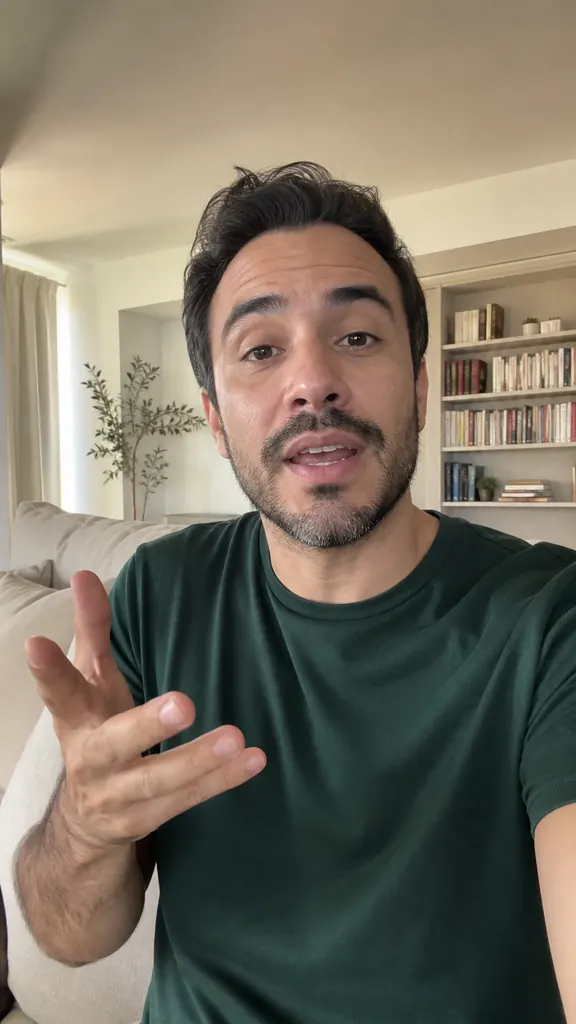
- Line 13 takes
- Line 22 takes
- Line 34 takes
- Not in videoslip · said off camera
How to talk about your product without sounding like an ad
Nobody scrolls social media looking for ads. So instead of “we make the best cakes in town”, share something useful on its own: how to choose, how to store it, how one option differs from another, what mistake people make most.
At the end, say what to do next: stop by, book a slot, send you a message, place an order. One clear action works better than three at once.
Posting consistently without burning out
One video won't change much — video starts working when it comes out regularly. To keep going:
- pick one day a week for filming and shoot several videos at once;
- set recurring themes: say, something new on Mondays and a customer question on Thursdays;
- keep customers' questions in a note — that's your topic list, ready to go;
- post less often but steadily: two videos a week all year beat ten in the first week.
How to edit a reel when you're short on time
Filming is half the job; editing usually eats the rest. In Dubl, the AI does the editing: you film your lines with the teleprompter or pick videos from your gallery, and it picks the best takes, cuts the pauses, and adds captions and a hook sticker at the start.
If you filmed in a room where the sound bounces around, the volume of every take is evened out automatically — even if you recorded lines in different corners or on different days. Save the finished video to your gallery or send it straight to your socials via “Share”.
How to do it in Dubl
- Write a few linesAbout something new, your process or a common question — paste it into the teleprompter.
- Film before openingGo line by line; if you stumble, repeat it — no need to stop recording.
- Let it editThe AI picks the best takes, cuts the pauses and adds captions and a hook.
- Post your videoSave it to your gallery or send it via “Share” to the app you post on.